
How to onboard a new email subscriber in the first 48 hours
An hour-by-hour plan for the two days after someone subscribes: what to ask, when to segment, and when to make the first pitch.
- Day one: a real welcome email, then a short survey while attention is highest
- Day two: segment on the answers, then send one relevant first pitch
- The survey can run at the signup moment and sync answers to your email platform as fields
- Everything in this plan can be tested on a free plan with no card and no platform switch
Someone subscribes to your newsletter. They get a one-line thank-you email you wrote two years ago. They are never asked anything again. By day three they are just another name on the list, and you know nothing about them: not their town, not whether they own or rent, not whether they run a business that might advertise with you.
The fix is to treat the first 48 hours as a deliberate onboarding window. One welcome, one short data capture, one segmentation pass, one first pitch. Each piece has a job, and each feeds the next.
Why the first two days matter
The moment right after a subscribe is the most attention you will ever get from that person. A plain thank-you page spends it on nothing. A short survey spends it on answers you can segment on and offers you can match to what the reader just said. If the data capture happens at the signup moment, before the reader closes the tab, completion rates work in your favor. Wait a week and the same questions read like homework.
The second someone subscribes, you have more of their attention than you will ever get again.
Zero-party data, meaning information a person tells you directly rather than data you infer about them, is also the most durable kind. You asked, they answered, and you can use it for years of segmentation and ad sales.
Hour 0: the welcome email
The welcome email should arrive immediately and say three things: who you are, what lands in their inbox and how often, and what they get out of it. Keep it to a few sentences. If your current welcome email is a fossil from two years ago, rewrite it this week. This is the one email every subscriber gets, so it is the cheapest fix on this list.
Hour 0 to 1: the signup survey
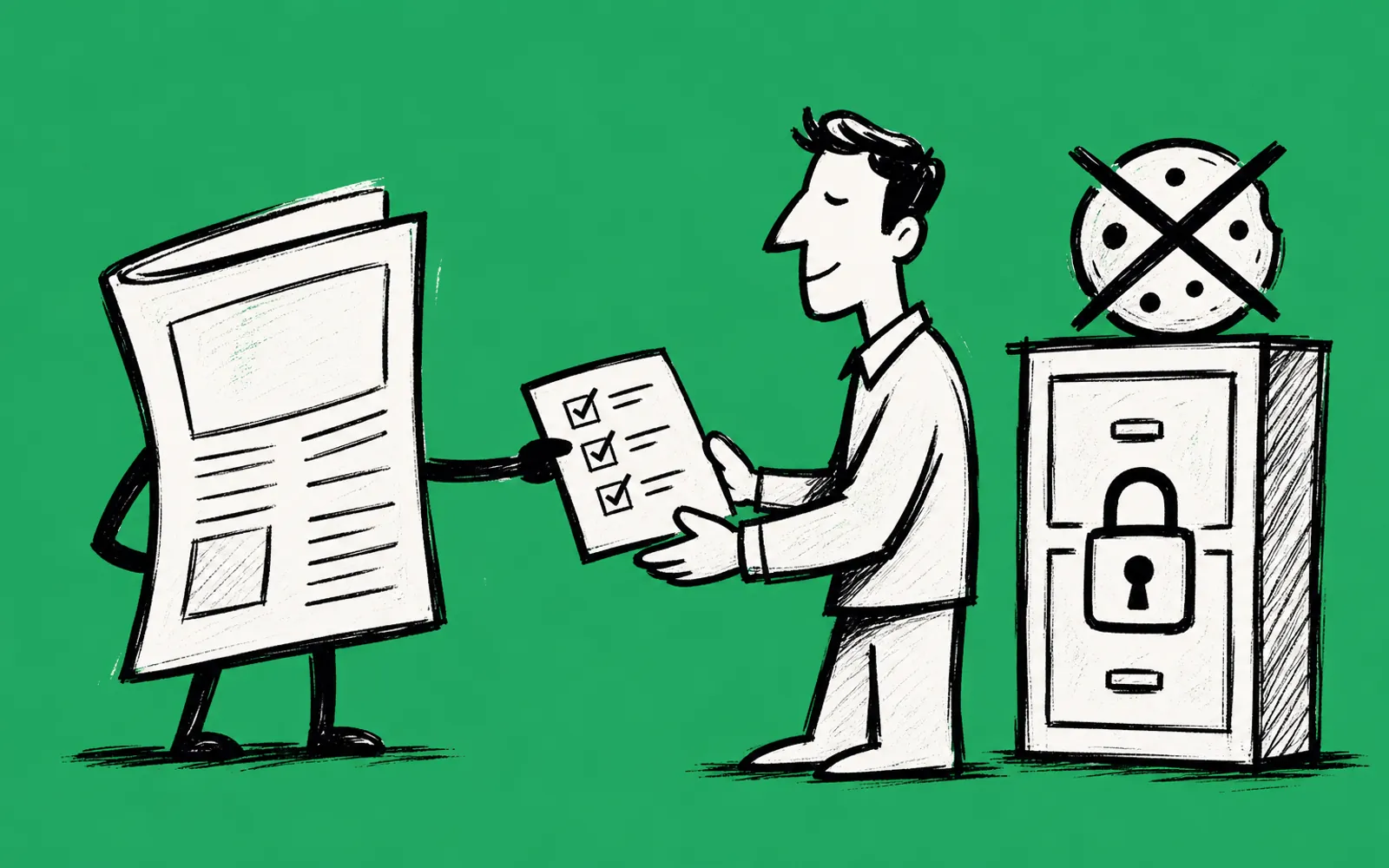
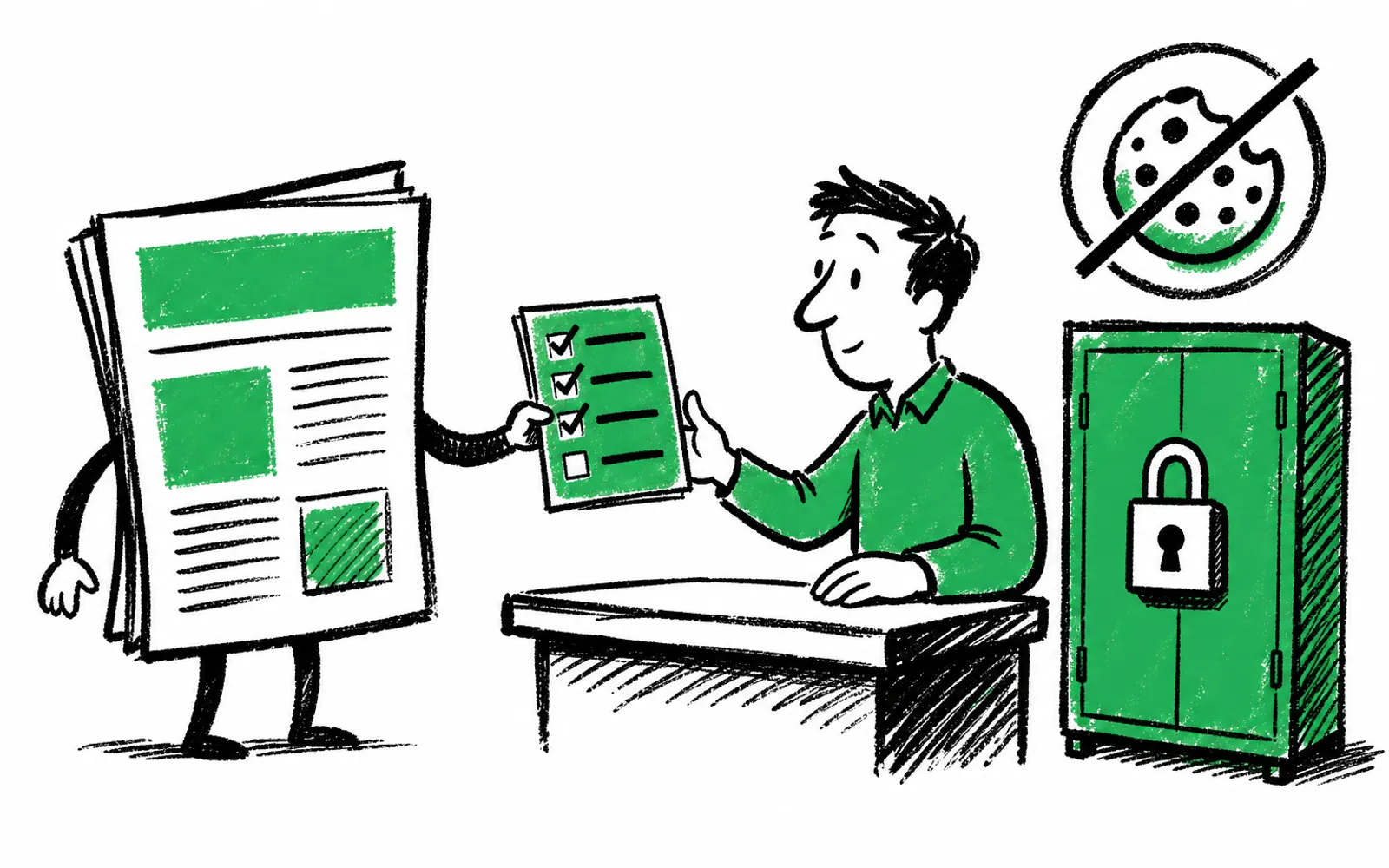
Instead of letting the thank-you page be the end, put a short survey right after it. Five questions or fewer. Each answer should branch to the next question, so an owner and a renter, or a parent and a student, see a different path. The goal is not a research study. It is three to five facts that let you segment the list by day two.
- Qualifying question One question that sorts readers into useful branches, such as whether they own or rent their home.
- Location Their town or area, which local offers and sponsors depend on.
- Business ownership Whether they run a business, because that reader is a potential advertiser as well as a reader.
- Interests One or two topics they actually care about, so your segmentation is based on what they said, not what you guessed.
You can build this without the product in this article too: a form tool on the thank-you page, with answers exported into your email platform as custom fields. The trade-off is manual syncing and no offer logic. A purpose-built tool does the branching and the syncing for you, which is where greetform comes in later in this piece.
Hour 1 to 24: sync and segment
Every answer should land on the subscriber record in your email platform as a field you can segment on: town, homeowner, parent, business owner, interests. Once the answers are fields, day two is mechanical. Build segments for the groups that matter commercially: local readers, business owners, parents, new-in-town. In Beehiiv, ActiveCampaign or Mailchimp, this is a filter on the field, not a re-import.
Hour 24 to 48: the first pitch
By the second day you can pitch by segment instead of blasting the whole list. A business owner who said so in the survey can be asked if they want your media kit. A homeowner can see one local partner offer. A course or event pitch can go to the readers whose stated interests match it. One relevant pitch to a segment beats three generic ones to everyone. Pick a send window, measure it, and adjust.
The two-day plan in one run
- 01Send the welcome email
Immediately on subscribe: who you are, what they get, how often.
- 02Show the survey at signup
Five questions or fewer, on the page they land on, not in an email three days later.
- 03Branch the questions
Each answer picks the next question, so different readers see different paths.
- 04Capture the lead moments
A business owner can be offered the media kit. A qualifying answer can show a partner card. One tap records the lead.
- 05Sync answers as fields
Town, homeowner, parent, business owner, interests land on the subscriber record in your email platform.
- 06Build the segments
Set up filters for local, business owner, and interest groups.
- 07Send the first pitch by segment
One relevant offer per segment within 48 hours of the signup.
Where greetform fits
greetform is the survey step of this plan, built for the signup moment. A reader subscribes, and instead of a plain thank-you page they answer a few branching questions, see offers that match their answers, including an offer wall at the end, and every answer syncs to the subscriber in Beehiiv, ActiveCampaign or Mailchimp as fields to segment on. There is nothing to migrate and no change to your email platform.
The same survey can earn at signup three ways: selling your own products, capturing leads for local partners such as realtors, med spas, gyms or contractors, and selling spots on your offer wall priced per claim. greetform does not pay publishers and sets no prices. You set the prices and make the partner deals. Revenue figures are example math, not a promise. Henderson HQ and Forest City Insider use greetform, and you can try a live example form from the site before building your own.