
How to sell leads to local businesses from your newsletter signup
By the end you will have a signup flow where a reader's answer triggers a local partner's offer, one tap sends that partner the lead, and every lead and claim is tracked in your dashboard.
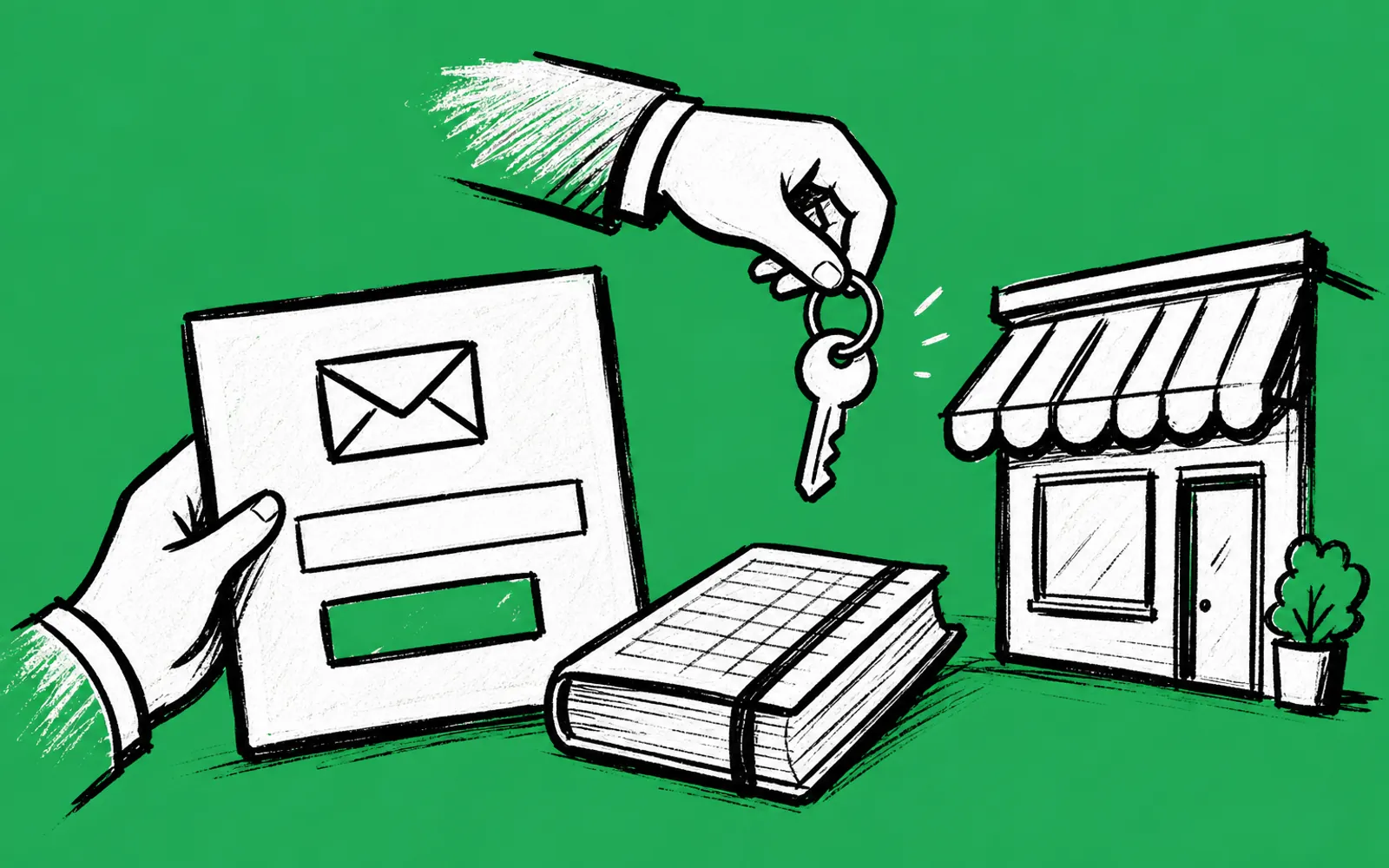
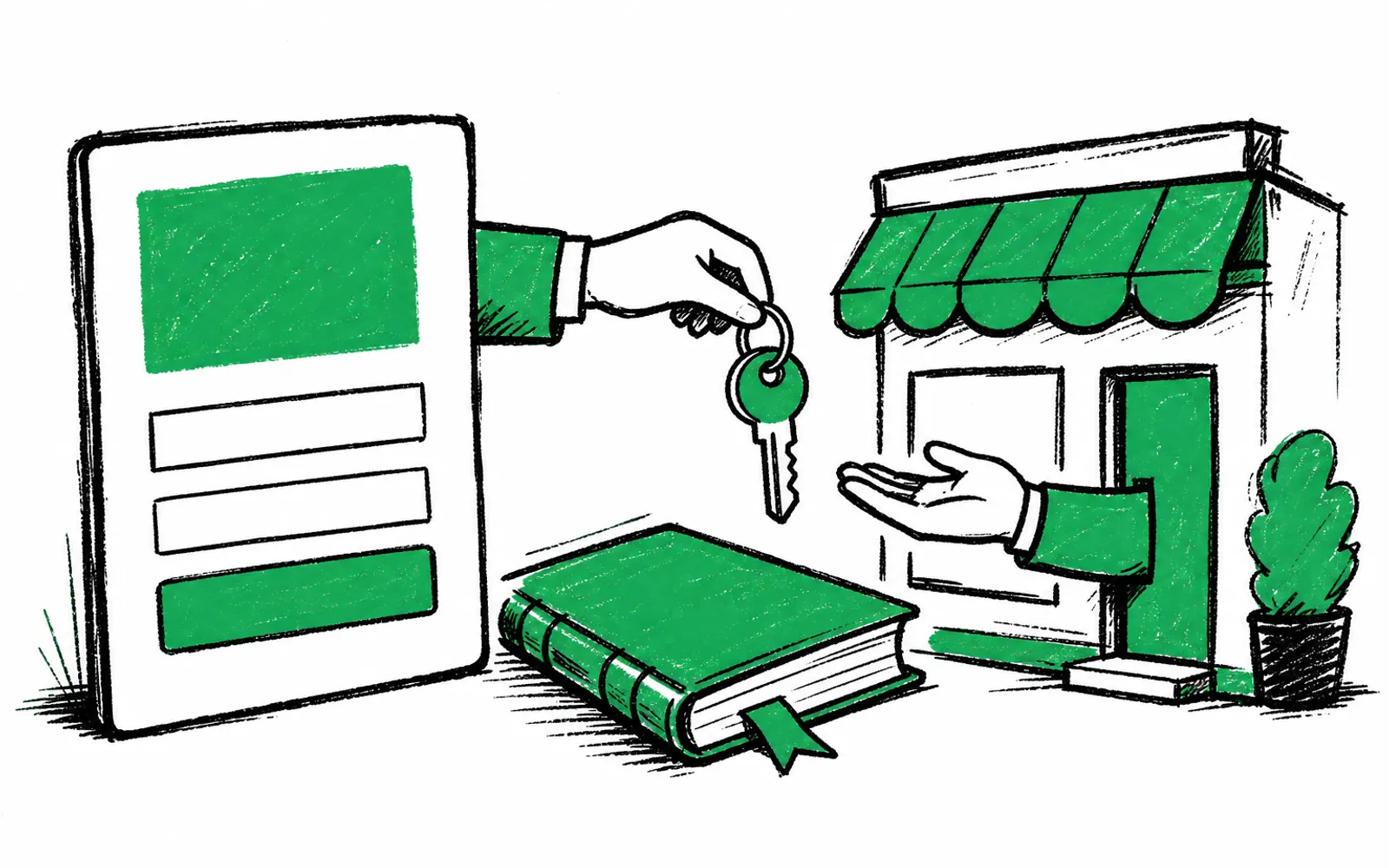
- A lead is captured when a subscriber chooses an offer and gives contact details, and the partner gets only what qualified that lead.
- You set the price and make the deal with the partner. greetform does not pay publishers.
- Works with Beehiiv, ActiveCampaign and Mailchimp, with nothing to migrate.
- The free forever plan needs no card and covers 250 new subscribers a month.
By the end of this guide you will have a greetform signup flow where a new subscriber's answer triggers a local partner's offer, one tap sends that partner the lead, and every lead and claim is tracked in one place. Before starting you need three things: a greetform account on the free forever plan, which needs no card, an email platform among Beehiiv, ActiveCampaign or Mailchimp, and a deal with a local business partner such as a realtor, med spa, gym or contractor.
The model works like this. Someone subscribes to your newsletter. Instead of a plain thank-you page, they answer a few short questions. Conditional logic, meaning each answer decides what comes next, sends them down a branch. A reader who says they own a home sees your real estate partner's card appear mid-survey. One tap sends that partner the lead. greetform records the whole chain, but the money is between you and the partner.
How a lead is actually defined
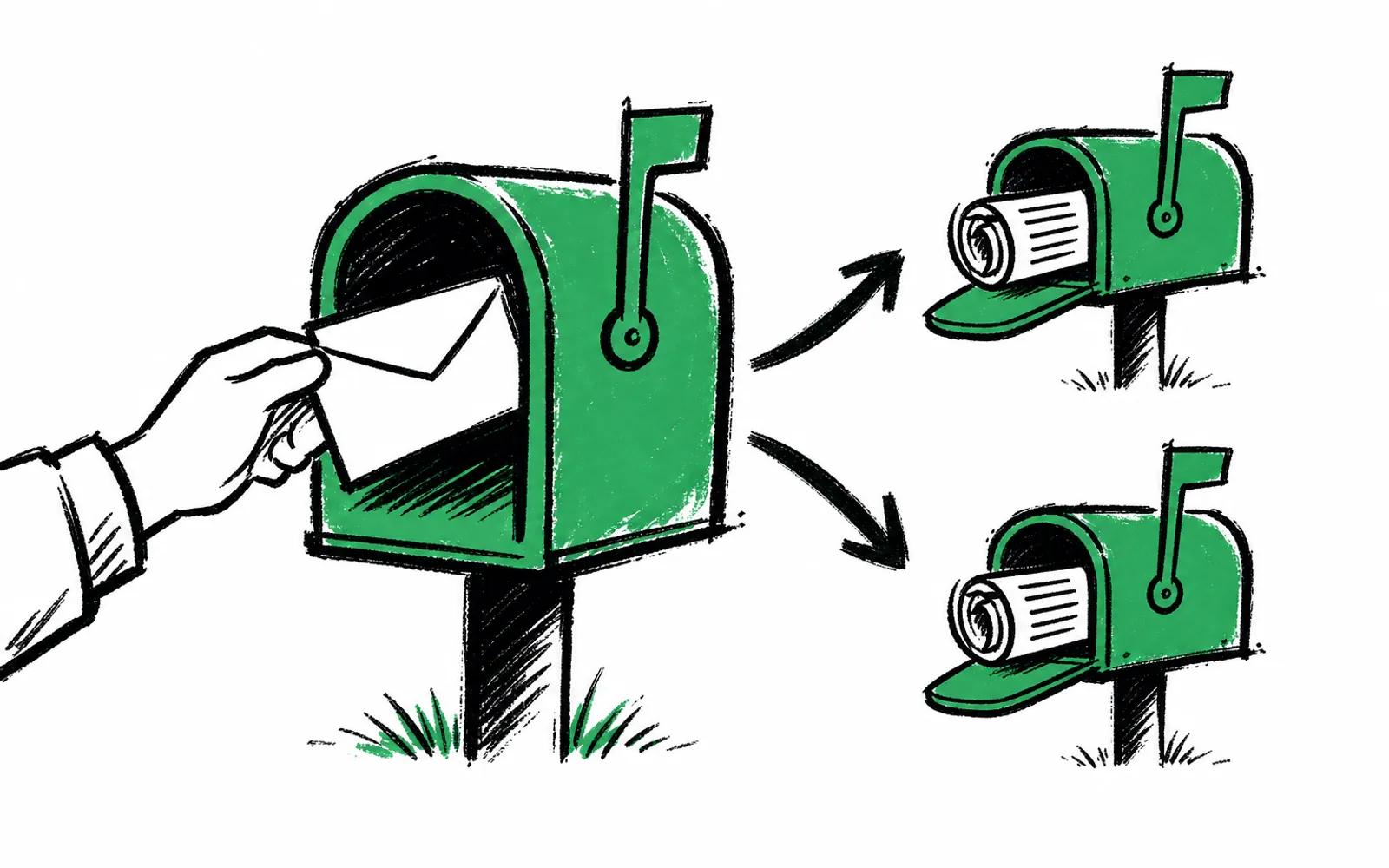
The Lead Tracking page on greetform.com is precise about what counts. A lead is captured when a subscriber explicitly chooses an offer and provides contact details, typically email and sometimes phone or address, to be introduced to a local business. At that moment greetform saves a lead record.
The partner receives only what qualified that specific lead. greetform does not share full survey transcripts or unrelated answers with the local business, and it does not share IP addresses, device data or other technical metadata. greetform also does not sell subscriber data. A lead is an introduction tied to a specific consented offer, not data resale.
After a lead is delivered, greetform records offer events for transparency and reporting: shown, clicked, claimed, delivered to buyer, and any operator-recorded outcome. These events are visible in the operator dashboard. That is the tracking you will lean on when you bill the partner, since you set the price and you make the deal.
Set up the lead flow
- 01Create your account
Go to app.greetform.com/signup?plan=free, confirm your email and set a password. Everyone starts on the free plan, no card needed.
- 02Connect your email platform
Link Beehiiv, ActiveCampaign or Mailchimp. There is nothing to migrate and no change to your email platform.
- 03Write the qualifying question
Add a short question that sorts readers into branches, such as whether they own or rent their home. Conditional logic is built in, so each answer decides what comes next.
- 04Place the partner offer mid-survey
Attach your partner's card to the branch that matches. A reader who says they own a home sees the real estate partner's card right there in the survey.
- 05Collect the lead on one tap
The reader taps yes and provides contact details, typically email, sometimes phone or address. That tap sends the partner the lead and captures a lead record.
- 06Keep the survey short
A few quick questions is the model. Most of the attention you will ever get from this reader is right now, so do not spend it on a long form.
- 07Watch the offer events
Open your operator dashboard and check the chain for each lead: shown, clicked, claimed, delivered to buyer, and any outcome you record.
- 08Sync answers to your email platform
Confirm every answer lands on the subscriber record as fields you can segment on in Beehiiv, ActiveCampaign or Mailchimp.
Where people get stuck
The partner asks what data they get. Show them the rule from the Lead Tracking page: they only receive what qualified the specific lead, and no full transcripts, no unrelated answers, no IP addresses or device data. If a partner asks for more than that, greetform will not provide it, and the answer is no.
The offer shows for the wrong readers. The fix is the branch. The partner's card belongs to the branch created by the qualifying answer, so an owner sees the realtor's card and a renter does not. Check that the offer is attached to the matching answer, not to the survey as a whole.
A partner wants proof before paying. The operator dashboard is the proof. Each lead carries its offer events: shown, clicked, claimed, delivered to buyer, and any outcome you record yourself. Lead records are retained for the life of your account plus a short reconciliation window, typically 30 days, so disputes can be resolved before identifying details are removed.
You expect greetform to send the money. It does not. greetform never pays its customers. It gives you the tools to sell: your own products, leads for other businesses, and spots on your offer wall. You set the prices and make the deals. Any revenue figure you see in greetform's own material is example math, not a promise.
What to say when you pitch a partner
The pitch is simple and you can back every part of it. New subscribers answer a short survey right after signup, which is the moment of peak attention. Answers branch, so a homeowner sees the real estate partner and a business owner can be routed elsewhere. A lead only exists when the reader explicitly chooses the offer and gives contact details, so the partner gets a consenting introduction, not a scraped name. You track every step, you set the price, and the partner deals with you.
The partner categories on the site are realtors, med spas, gyms and contractors, but the model is not limited to those. The offer wall also carries local deals priced per claim, and a reader who owns a business can ask for your media kit, which gives you an advertiser lead at signup. Those are separate ways to earn at the same moment.