
Quiz funnels explained: how creators use a quiz instead of a plain signup form
A short branching quiz after signup turns a dead thank-you page into answers, segments and offers. Here is how the funnel works and how to build a five-question version in under a day.
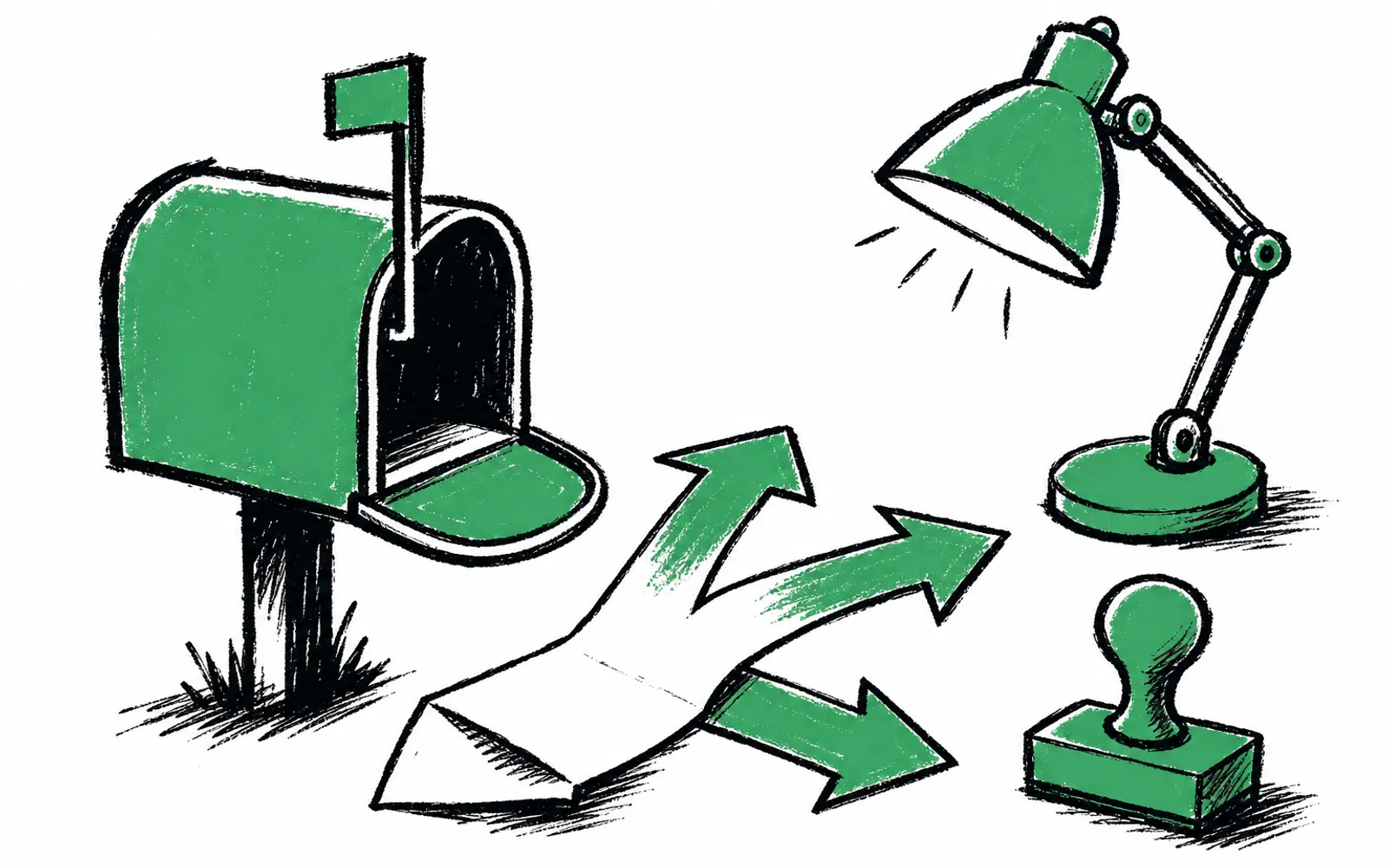
- A quiz funnel replaces the thank-you page with a few branching questions after someone subscribes
- Each answer can pick the next question, trigger a relevant offer, and land as a field on the subscriber record
- Best niches are local newsletters, creator and B2B lists, and event signups where the reader can be sorted
- A five-question branching version can be built in under a day with free tools
The moment looks familiar. Someone subscribes to a newsletter, lands on a page that says thanks, check your inbox, and closes the tab. The creator got a new subscriber and nothing else: no idea where the reader lives, what they do, or what they might buy. The next question is usually sent weeks later, to a list that has already gone quiet.
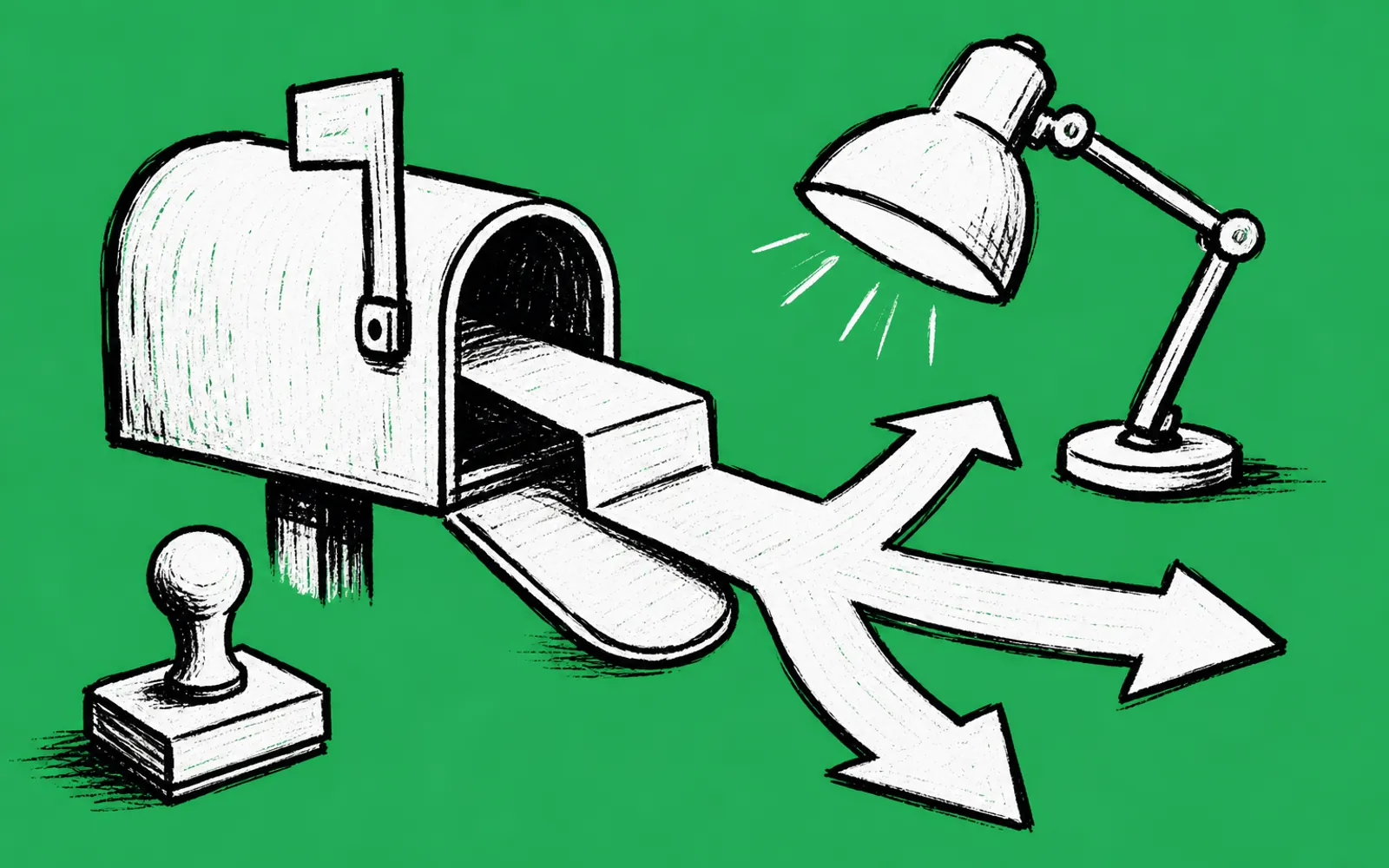
A quiz funnel replaces that dead-end page with a few questions whose answers route the reader. Conditional logic means each answer picks the next question, so the quiz stays short for each person even when it covers many cases. The answers become segments in the email platform, and the same answers can trigger offers that fit the reader.
What a quiz funnel actually is
A quiz funnel is a short survey placed in the signup path, usually right after the subscribe action rather than before it. Because the subscriber has already committed, the drop-off question is not whether they will join the list, it is how much they will tell you once they have. Two to five questions is the common range. Anything longer behaves like a market research form, and readers treat it that way.
The structure that makes it a funnel is branching. Conditional logic, the rule that each answer determines what the reader sees next, keeps the quiz short while still sorting people into groups. A local newsletter can ask whether a reader owns or rents, then show owners one question and renters another. A creator list can ask what the reader is trying to build, then skip the questions that do not apply. This is how quiz funnels turn one form into many small forms, each aimed at one kind of reader.
Who uses them, and who should not
Local newsletters are the clearest case. When a reader says which town they live in, whether they own or rent, and whether they run a business, each answer is something a local advertiser wants: a realtor wants the owner, a gym wants the person who just moved in. The answers double as media kit numbers, because every response lands on the subscriber record as a field the publisher can point to when selling sponsorships.
Creator and B2B newsletters use the same structure for different ends. A creator who sells a course can ask what the reader is working on and show the course only to the readers whose answer matches. A B2B publisher can ask company size and role, and hand the answers to sales as leads. Event organizers can ask first time or returning, and what the attendee wants out of the day, then use the answers for session emails.
A plain signup form is still the right choice when there is nothing to sort. If the list is a single-audience consumer letter with no offers, no advertisers and no segmentation plan, five questions will not pay for themselves. Quiz funnels earn their keep when answers change what the publisher does next: which email goes out, which offer shows, which advertiser gets the lead.
The tradeoffs against a plain form
A plain form has one advantage: it asks almost nothing, so almost no one leaves. A quiz adds steps to the signup path, and every step is a chance to lose a reader. The trade works because of placement. Put the quiz after the subscribe action, when the subscriber is already committed and the list is already saved, and the form itself no longer gates the signup. That placement is the single biggest design decision in a quiz funnel, and it is the one most people get wrong by asking everything up front.
The second tradeoff is effort. A branching quiz takes longer to build than a plain form, and it needs a plan for what each answer will do. A five-question quiz with three branches per question is manageable in an afternoon. A fifteen-question quiz with offer logic in every branch is a project, and most readers will not finish it. Short is the design goal, not a compromise.
The five questions worth asking
The questions that earn their place are ones where the answer changes an action. For most publishers, five covers it: who the reader is (town, role or niche), whether they own or rent or run a business, what they are trying to do, what they want to hear about, and, for monetized lists, whether they would like the media kit or a relevant local offer. Every question should map to a field that exists in the email platform, or to an offer that only shows when the answer is right.
How to build one
- 01Write the questions on paper first
List five questions where each answer changes an email, an offer or a segment. Cut any question whose answer you would not act on.
- 02Map the branches
For each answer, write what the reader sees next: another question, an offer card, or the end of the quiz.
- 03Pick a tool that sits after signup
Use a form tool that loads right after the subscribe action, not one that gates it, and that supports branching rules.
- 04Build the quiz and set the branching rules
Enter the questions, then for each answer set the next question it leads to. Test every branch yourself before publishing.
- 05Attach the offers
Place an offer where the answer fits: your own product, a local business lead, or a slot on an offer wall. One tap should route the lead.
- 06Connect the email platform
Link the tool to your email platform so each answer lands as a field on the subscriber record you can segment on.
- 07Style it to match the newsletter
Match the colors and typeface of the newsletter so the quiz reads as part of the publication, then publish and watch the first answers.
One tool that does this
greetform is a form and survey platform built for the moment right after someone subscribes. Instead of a plain thank-you page, the new reader answers a short branching survey, and each answer decides what comes next. Offers can appear mid-survey, readers who own a business can request the media kit, sister newsletters can be offered, and an offer wall matches the publisher's and partners' offers to each answer. Every answer syncs to the subscriber record in Beehiiv, ActiveCampaign or Mailchimp as a field to segment on, with nothing to migrate and no change to the email platform. greetform does not pay publishers; it gives them the tools to sell their own products, sell leads to local businesses, and sell spots on the offer wall, and it tracks every lead and claim.
The free plan covers the whole pattern for a small list: 250 new subscribers a month, one publication, one team member, one live survey, one form and three offers, with no card needed. Conditional logic, inline offer cards, the offer wall, lead pages and lead routing are on every plan, including Free. greetform also connects to Claude or ChatGPT, which can read leads, answers and results and answer in plain English, and it sends webhooks and has an API on higher plans. A publisher can build the five-question branching quiz described above inside it and have answers flowing to their email platform the same day. The app lives at app.greetform.com.