
What to check when you add a new answer choice to your signup survey
A change-and-test checklist that proves a new choice reaches the subscriber record and the segment it should feed, before you rely on it.
- A new choice with no destination mapping never reaches the subscriber record
- Write the field and the exact value down before you touch the survey
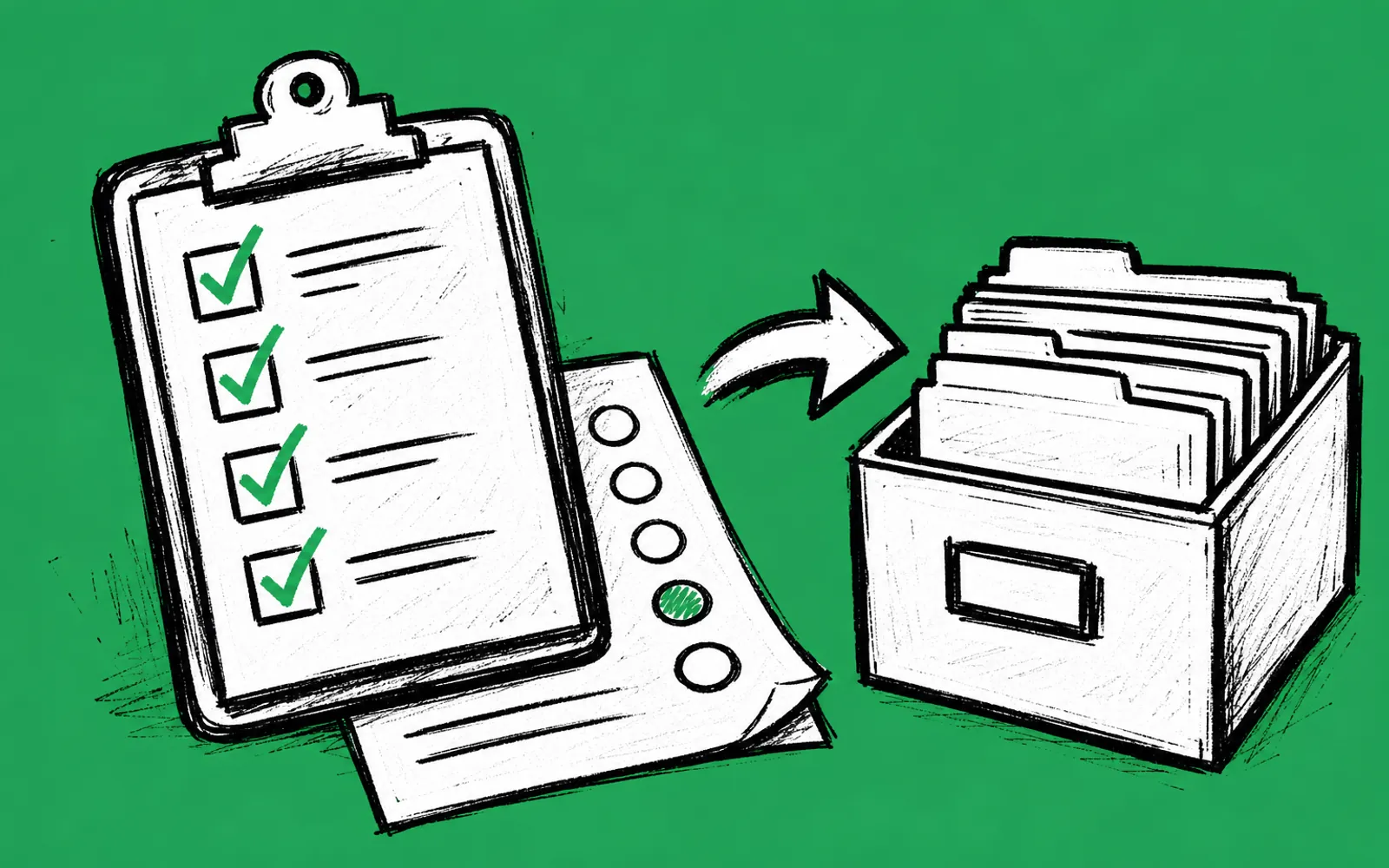
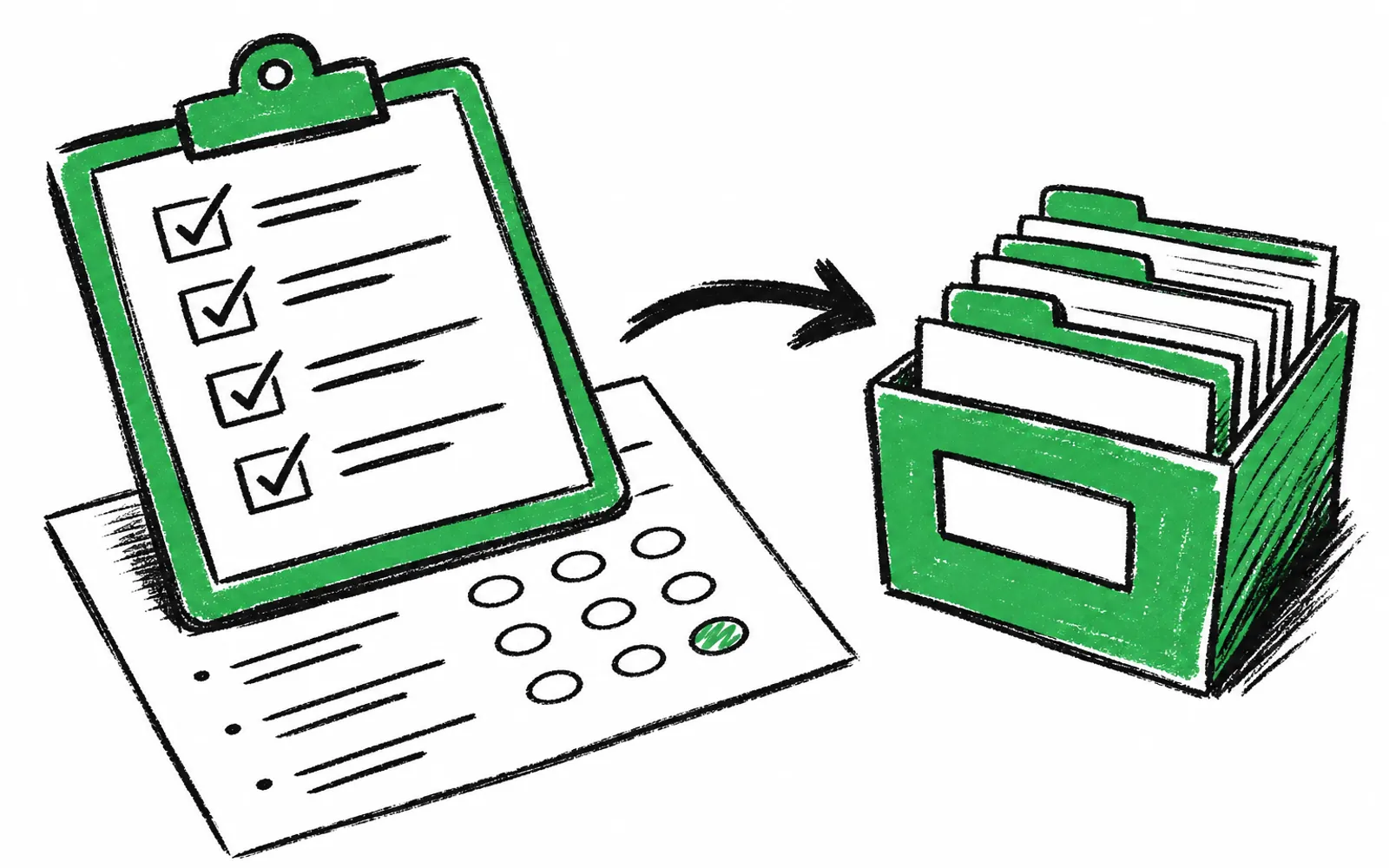
- One test signup per choice verifies both the field and the segment
- The same check works with Beehiiv, ActiveCampaign and Mailchimp
By the end of this checklist you will have a verified answer choice: one that writes the exact value you intend to the right field on the subscriber record, and that lands the reader in the segment built on that field. You need three things before starting: the live survey you just edited, access to the subscriber view in Beehiiv, ActiveCampaign or Mailchimp, and a way to submit a test response, such as subscribing to your own newsletter with an address you control. Expect a few minutes of work per choice.
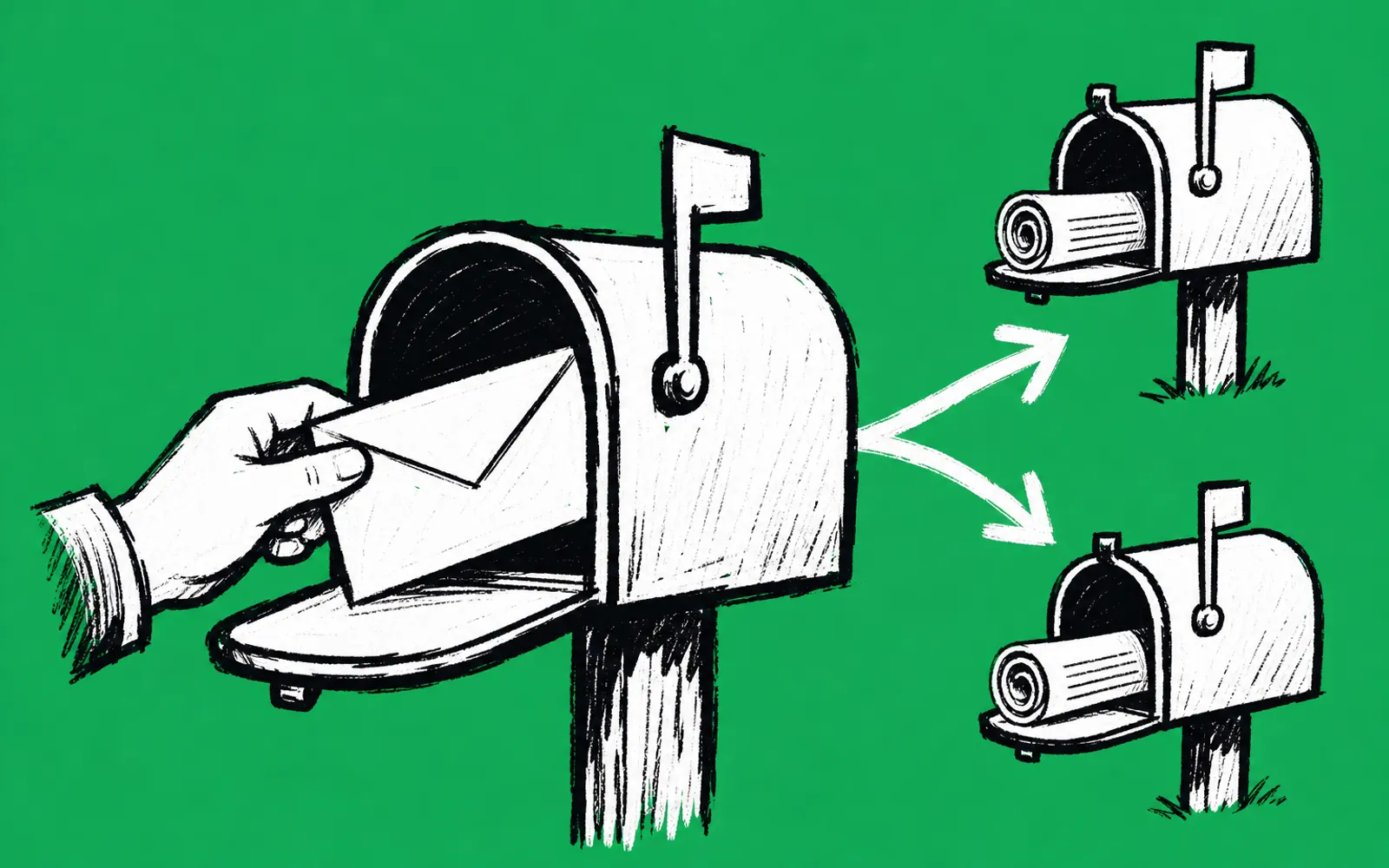
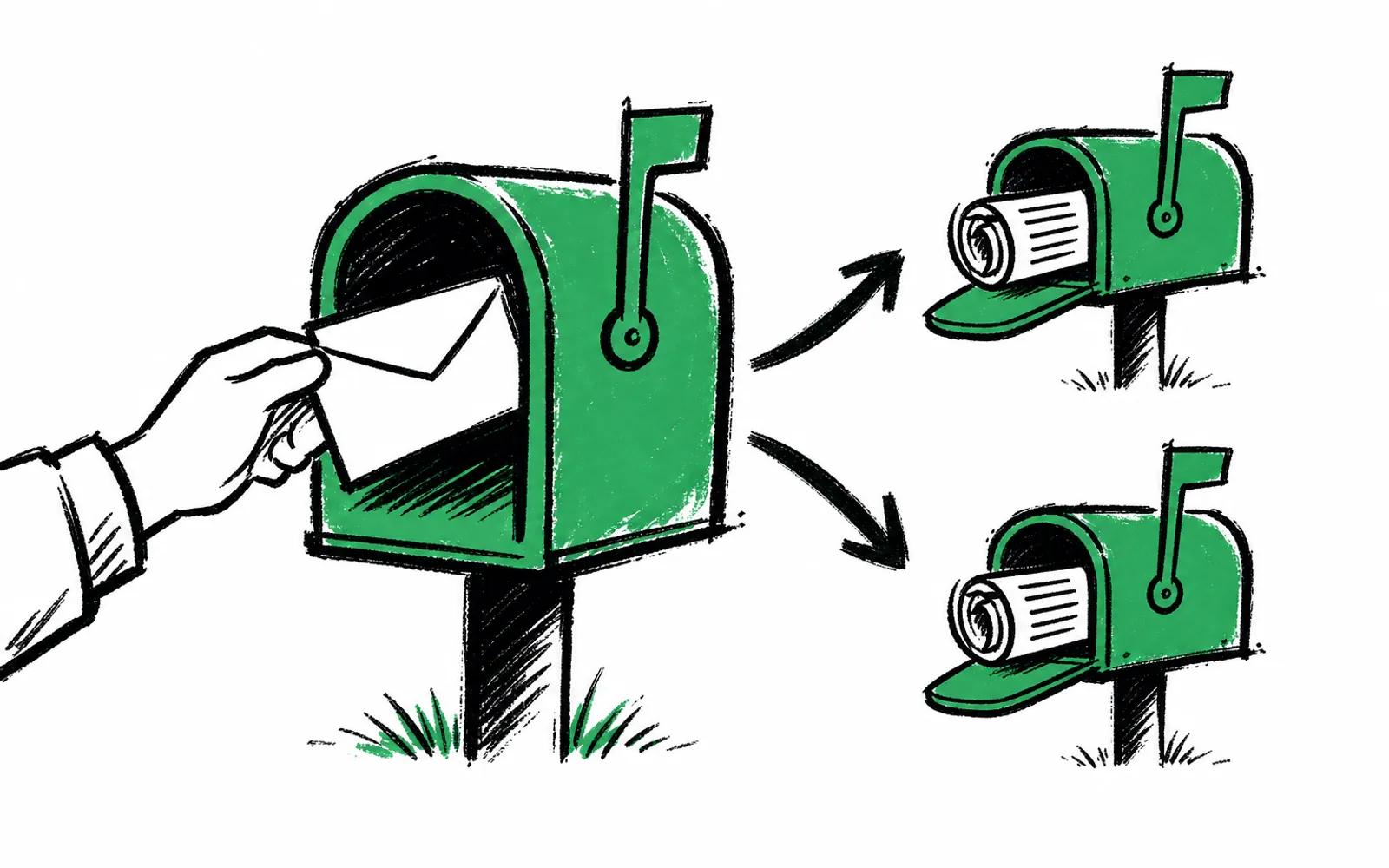
A destination mapping is the link between one answer choice and one field in your email platform. When a reader picks the choice, the mapping says which field gets written and with what value. A new choice with no mapping is still recorded on the survey side, but nothing lands on the subscriber record, so no segment can ever act on it. That is the failure this checklist exists to catch, and the only safe way to catch it is to write the intended field and values down first, then test with a real response and inspect the record before you trust the edit.
The change-and-test checklist
- 01Write down the destination
Before touching the survey, note the field name the new choice should write to in your email platform and the exact value it should record.
- 02List the other choices
Write down each existing choice on that question and its value, so the new value is distinct and cannot collide with one already in use.
- 03Connect the choice to the destination
In the survey, set the new choice so it writes the field and value you wrote down; if you cannot find where that link is set, the choice has no mapping yet, and that is the problem to fix.
- 04Decide what the choice triggers next
Because conditional logic decides what each reader sees based on each answer, choose what the new choice should show next: another question, an offer, or the same path as the other choices.
- 05Submit a test response
Subscribe to your own newsletter with an address you control, reach the survey, and pick the new choice.
- 06Inspect the subscriber record
Open that subscriber in Beehiiv, ActiveCampaign or Mailchimp and confirm the field shows the exact value you wrote down, character for character.
- 07Check the segment
Open the segment meant to catch this answer and confirm your test subscriber appears in it.
- 08Repeat for the other branches
Run the same test picking each other choice on the question, and again for any other question you edited in the same session.
- 09Clean up the test subscriber
Delete the test address from your list, or mark it clearly as internal so it never skews your counts or receives live sends.
Where people get stuck
The answer shows in survey responses but never reaches the list. That means the choice has no destination mapping. The answer is stored on the survey side, against the session it came from, but no field on the subscriber record ever gets written, so segments built on that field stay empty for those readers. Fix it by writing down the field and value, connecting the choice to that destination, and running the test signup again.
The value lands on the record but the segment stays empty. The segment is probably filtering on a different field, or on a different spelling of the value. Compare the value on the subscriber record with the segment's condition character for character. Values that differ by a space, a capital letter or an abbreviation will not match.
Nothing different happens after the new choice. With conditional logic, every answer decides what the reader sees next, and a new choice that was never given a branch simply falls through to whatever the other choices do. Decide what the choice should trigger, set it, and walk the survey again with a test response to see it.
One note on cost: a test signup is a real new subscriber, and on the free plan that counts against the 250 new subscribers a month the plan allows. One test per choice is cheap. Twenty tests in a week is a habit worth reconsidering.
greetform is the form that shows up right after someone subscribes to a newsletter, registers for an event or buys. It asks a few branching questions, shows each person the offers that fit (inline cards and an offer wall), captures leads for sponsors and local businesses, and syncs every answer to the email platform (Beehiiv, ActiveCampaign, Mailchimp).
If you run the post-subscribe survey in greetform, the sync side of this checklist is already handled: every answer lands on the subscriber record and syncs to Beehiiv, ActiveCampaign or Mailchimp as fields to segment on, and conditional logic is built in, so each answer picks the next question and the offers that fit. The check that remains yours is the one this guide describes: whether the new choice actually has a mapping, and whether the value it writes matches what your segment expects. greetform also tracks every lead and claim, so a partner offer shown on the new branch gets its own record of who claimed it.
The same discipline applies whatever runs the survey. A generic form tool that ends at a spreadsheet needs a separate automation layer before an answer reaches the email platform at all, which adds one more link that can silently fail. Write down the destination either way, and test.