

How to grow your sister newsletters from one signup
A reader who just subscribed to one of your newsletters is the cheapest subscriber your other newsletter will ever get. Here is how to hand them the right one automatically, using their own answers.
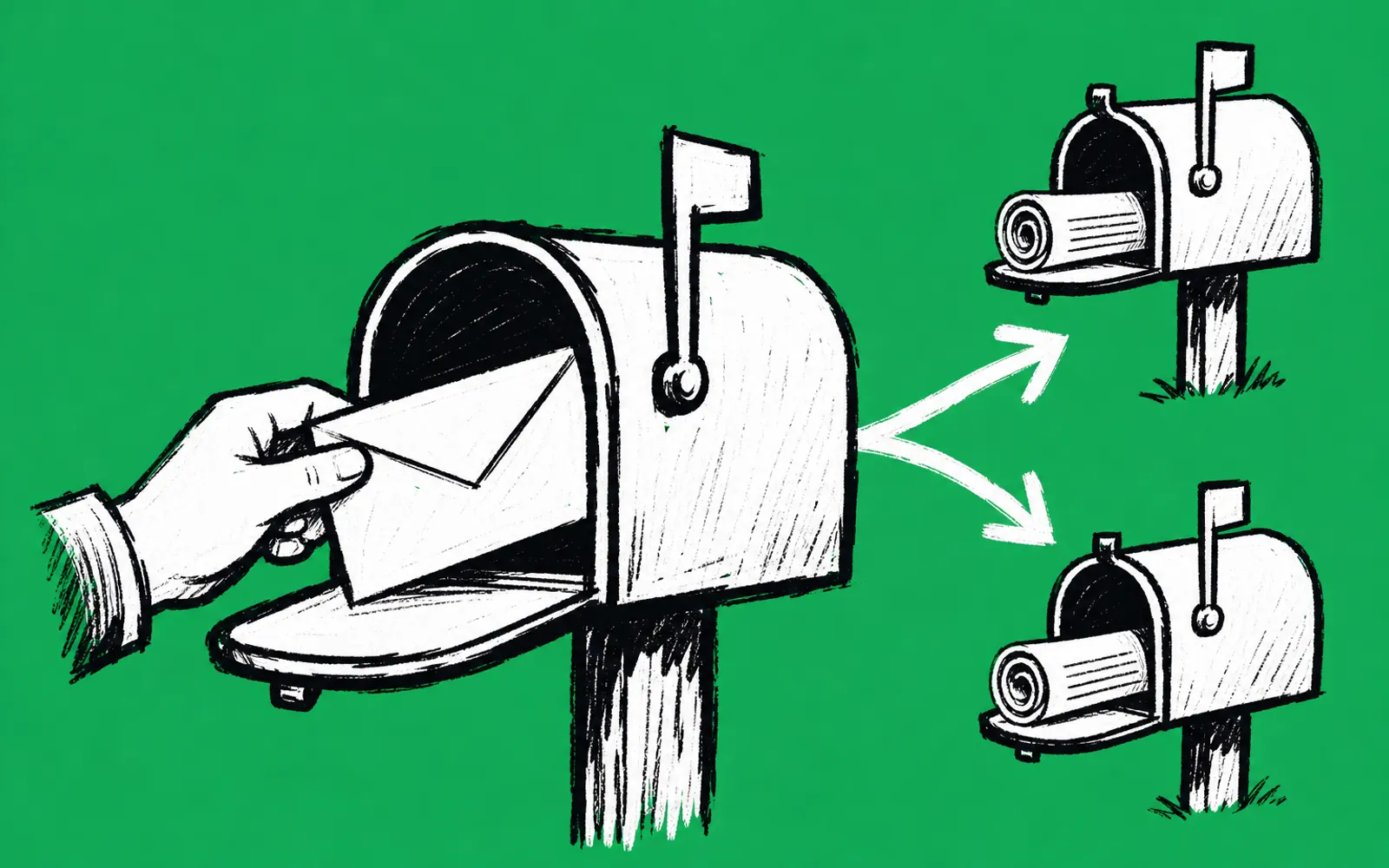
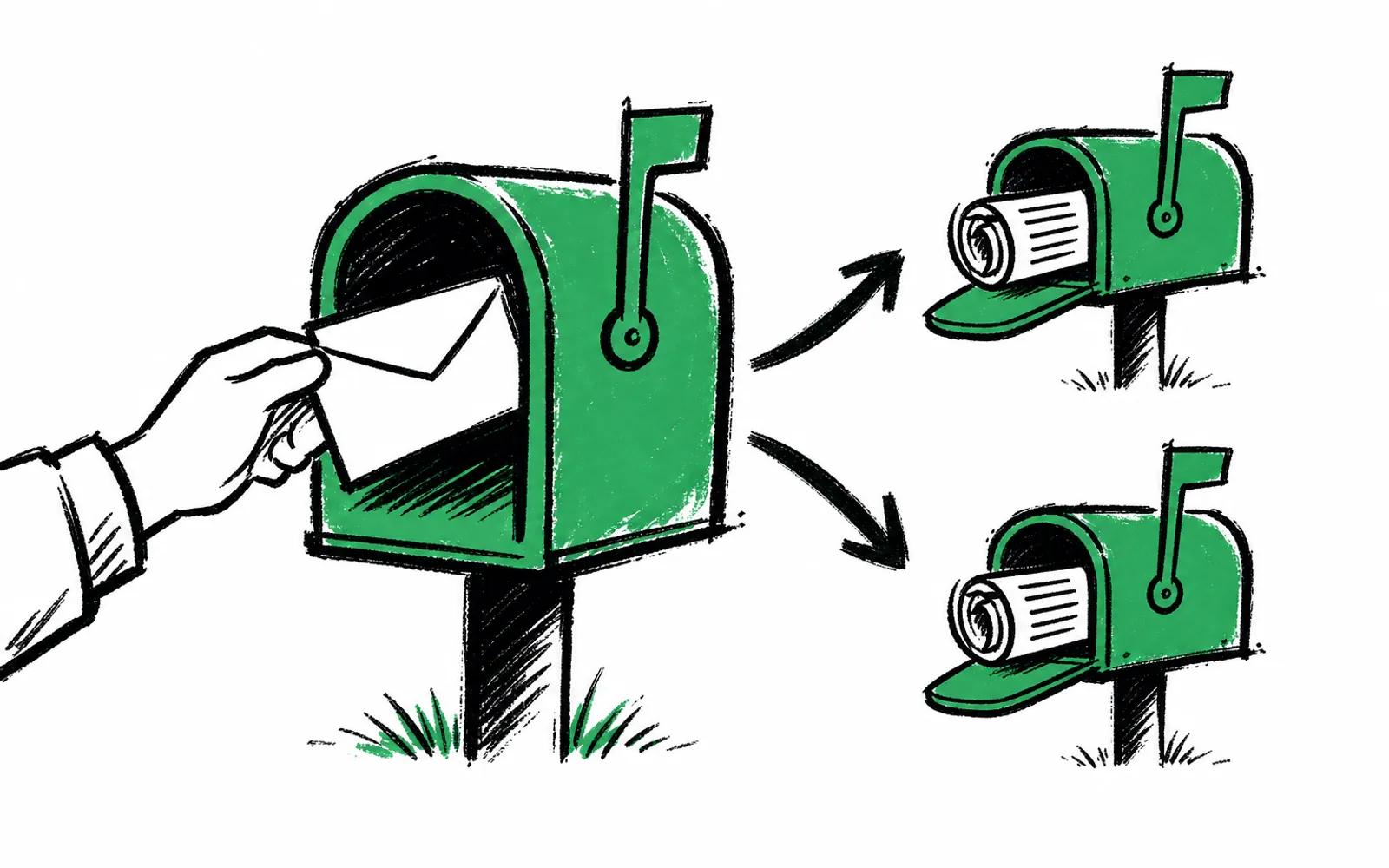
- A short answer-based survey right after signup can offer each reader the sister newsletter that fits them
- Conditional logic means each answer decides what the reader sees next, so not everyone gets the same offer
- Every answer syncs to the subscriber record in Beehiiv, ActiveCampaign or Mailchimp, with no platform switch
- You can start on a free forever plan with no card needed
A new reader just finished subscribing to one of your newsletters. They landed on a thank-you page that says something like "Thanks, check your inbox," and that page is where the moment ends for most publishers. Meanwhile, if you run a second or third newsletter, you are paying to acquire readers for those lists all over again, through ads, recommendations or cross-promotion, when a warm reader was already sitting on your thank-you page a minute ago. That moment, not another ad campaign, is the cheapest place to grow the other list.
The short version
The setup works like this. Instead of a plain thank-you page, the new subscriber answers a few quick questions. Conditional logic, meaning each answer decides what comes next, routes them to the sister newsletter that matches what they said. A reader who says they own a home in one neighborhood can be offered your neighborhood newsletter for owners. A renter in the same survey can be offered a different one. Nothing is migrated and nothing changes about your email platform, because the form sits after the subscribe button and syncs answers back as fields you can segment on.
What conditional logic actually does here
Conditional logic is a rule that says, if the reader gives this answer, show that next thing. In a sister newsletter handoff, that means the survey can ask a routing question, such as where the reader lives or whether they own or rent, and then show only the sister newsletter that fits. Owners and renters see different offers. A reader who does not fit any sister newsletter simply does not see one, and the survey moves on to whatever else you have set up. The publisher picks the question and the rules. The reader only ever sees the branch meant for them, which is why this reads as a service rather than a pitch.
The reason this is cheaper than acquiring the reader again is simple arithmetic. The reader is already on your page, already interested enough to subscribe, and already paying attention. greetform's own homepage describes the moment after subscribing as the moment you have more of a reader's attention than you will ever get again. Growing the sister list from that moment costs no additional ad spend. Compare that with paid acquisition, where you buy the same person's attention a second time to get them onto a list they might have joined for free if you had asked.
Who this is for, and who it is not for
This is for publishers with more than one newsletter, which is common among local newsletter operators running a bundle of neighborhood or topic lists. It also fits B2B publishers with several verticals and creators with more than one list. It is not for a publisher with a single newsletter and no plans for a second, because there is nothing to hand off. It also does little for a list where you already know every subscriber's location and interests from the signup form itself, since the routing question would be redundant.
How to set it up
One tool that does this end to end is greetform, a form and survey platform for newsletters, creators and events. Its core use is exactly this moment: the second someone subscribes, a short survey appears instead of a plain thank-you page, and conditional logic is built in. The app is at app.greetform.com. There is a free forever plan with no card needed, and the form works alongside Beehiiv, ActiveCampaign and Mailchimp, so nothing migrates.
- 01Create an account
Sign up at app.greetform.com on the free forever plan, no card needed.
- 02Connect your email platform
Link Beehiiv, ActiveCampaign or Mailchimp. Nothing migrates and the platform stays as is.
- 03Build the post-signup survey
Write a few short questions for the new subscriber to answer right after they hit subscribe.
- 04Write the routing question
Add one question whose answers map cleanly to your sister newsletters, such as which neighborhood the reader lives in or whether they own or rent.
- 05Set the conditional logic
For each answer, set the rule that shows the matching sister newsletter and hides the rest.
- 06Style it like your newsletter
greetforms are hosted, ready to share, and can look like the publisher's newsletter.
- 07Point the subscribe flow at it
Send new subscribers to the greetform right after they hit subscribe, in place of the plain thank-you page.
- 08Watch the answers land
Every answer syncs to the subscriber record in your email platform as fields to segment on.
Once answers are on the subscriber record, you can segment in your email platform the way you already do. A reader who asked about the sister newsletter but has not confirmed can get a follow-up. A reader who fit no sister newsletter can be segmented for whatever else you offer them instead. greetform also connects to Claude or ChatGPT, which can read leads, survey answers, offers and results and answer questions in plain English, and webhooks and an API are available for anything you want to build yourself. Henderson HQ and Forest City Insider, both local newsletter operations, use greetform.
Ways to do this without the product
You can run a version of this by replacing your thank-you page with a simple form, asking a routing question, and manually sorting the answers into segments in your email platform. That works, but it is manual, it does not branch the survey itself, and every new subscriber means more sorting. A beehiiv publisher can also use the platform's Recommendation Network and Boosts to grow a second publication, though that reaches readers of other publishers' newsletters rather than handing off your own subscriber to your own sister list. The advantage of a branching survey is that the offer reaches one of your own readers, in the moment they are paying the most attention, at no additional acquisition cost.