
How to ask new subscribers about events and giving at signup
Three questions, one short survey, and a clear follow-up action for every answer.
- Ask three questions only: location, events, and interest in supporting the organization.
- Every answer needs a routing rule before you publish the survey.
- A "maybe" on events earns a follow-up, not a dead end.
- Answers should land as fields on the subscriber record so you can segment later.
By the end of this guide, a nonprofit or community publisher will have planned a three-question survey that runs right after someone subscribes. Only two things are needed to start: the current signup process, and a place to record what each answer should trigger. Nothing has to be rebuilt first.
The problem this solves is simple. A newsletter gains subscribers and then knows almost nothing about them. It cannot tell who lives close enough to attend a volunteer night, who wants the event announcements, or who would give if someone asked. The moment right after signup is the one point where attention is highest, and a short survey can capture it before the inbox confirmation takes over.
Three questions is the right number. Each one below earns its place because the answer leads to a specific action. If a question cannot be routed to something the organization will actually do, cut it.
The three questions and why each one earns its place
- Where do you live? A location question splits the list into people who can attend in-person events and people who cannot. Offer the real choices that matter to the organization, such as the neighborhoods, towns or counties it serves, plus a "somewhere else" option.
- Do you want to hear about our events? Give three answers: yes, maybe later, and no. The "maybe" answer is the valuable one. It earns a follow-up message before the next event instead of losing the person entirely.
- Would you consider supporting our work? Give three answers here too: yes, tell me more, and remind me later. "Remind me later" flags a person who is not ready now but may be ready before the annual campaign, which is exactly the segment a development person wants.
Plan the survey
- 01Write the location question
List the specific areas the organization serves as answer choices, plus "somewhere else." Keep it one question.
- 02Write the events question
Use three answers: yes, maybe later, and no. Note that "maybe later" will trigger a follow-up before the next event.
- 03Write the giving question
Use three answers: yes, tell me more, and remind me later. The answers route to different follow-ups, not different thank-you pages.
- 04Assign an action to every answer
Write a routing table before building anything: yes on events goes to the event invitation list, maybe goes to a reminder, giving interest goes to a staff member for a personal note.
- 05Cut any extra questions
Remove any question whose answer has no action attached. A long form collects fewer complete answers, and three routed questions beat ten unanswered ones.
- 06Set up the branching
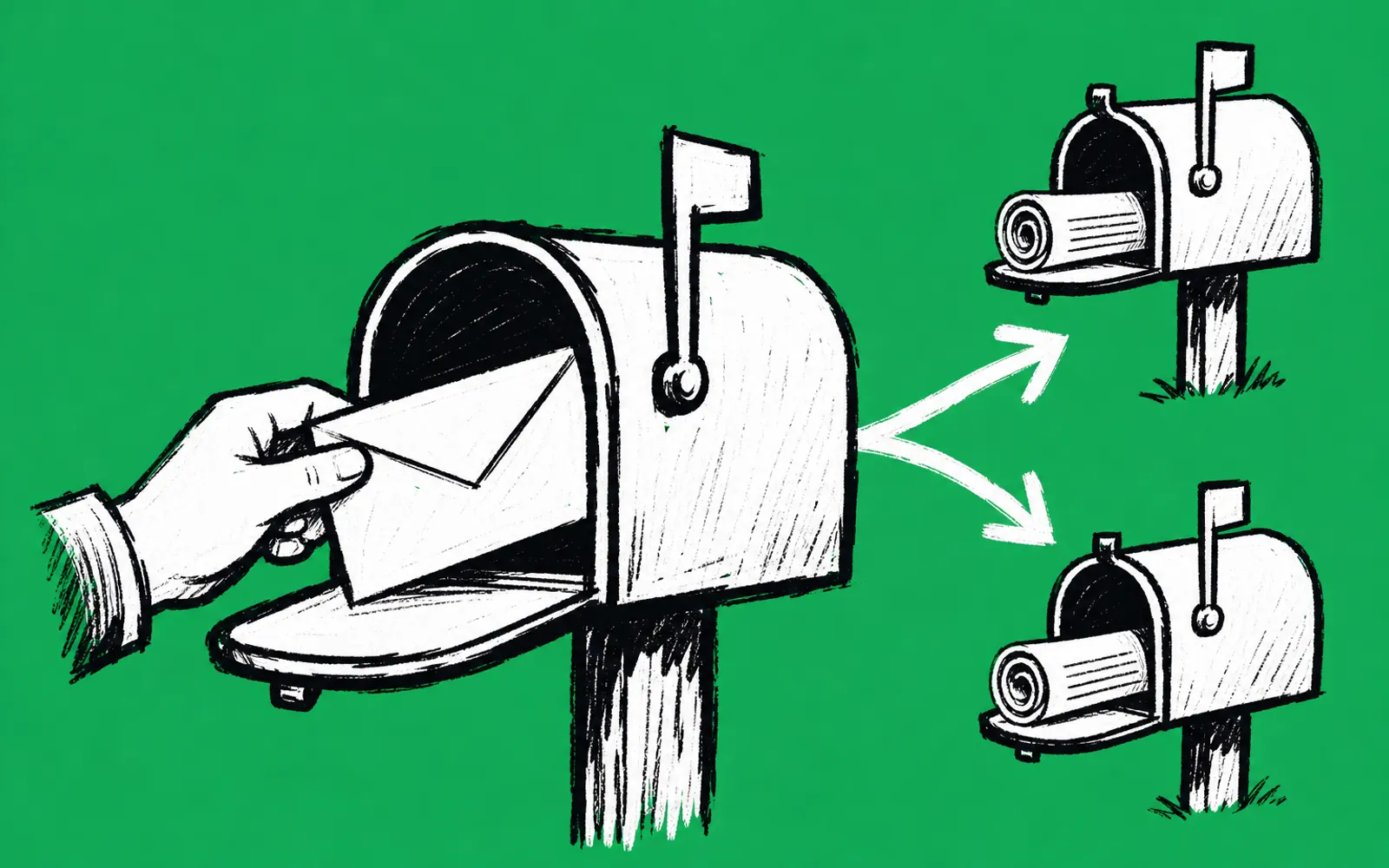
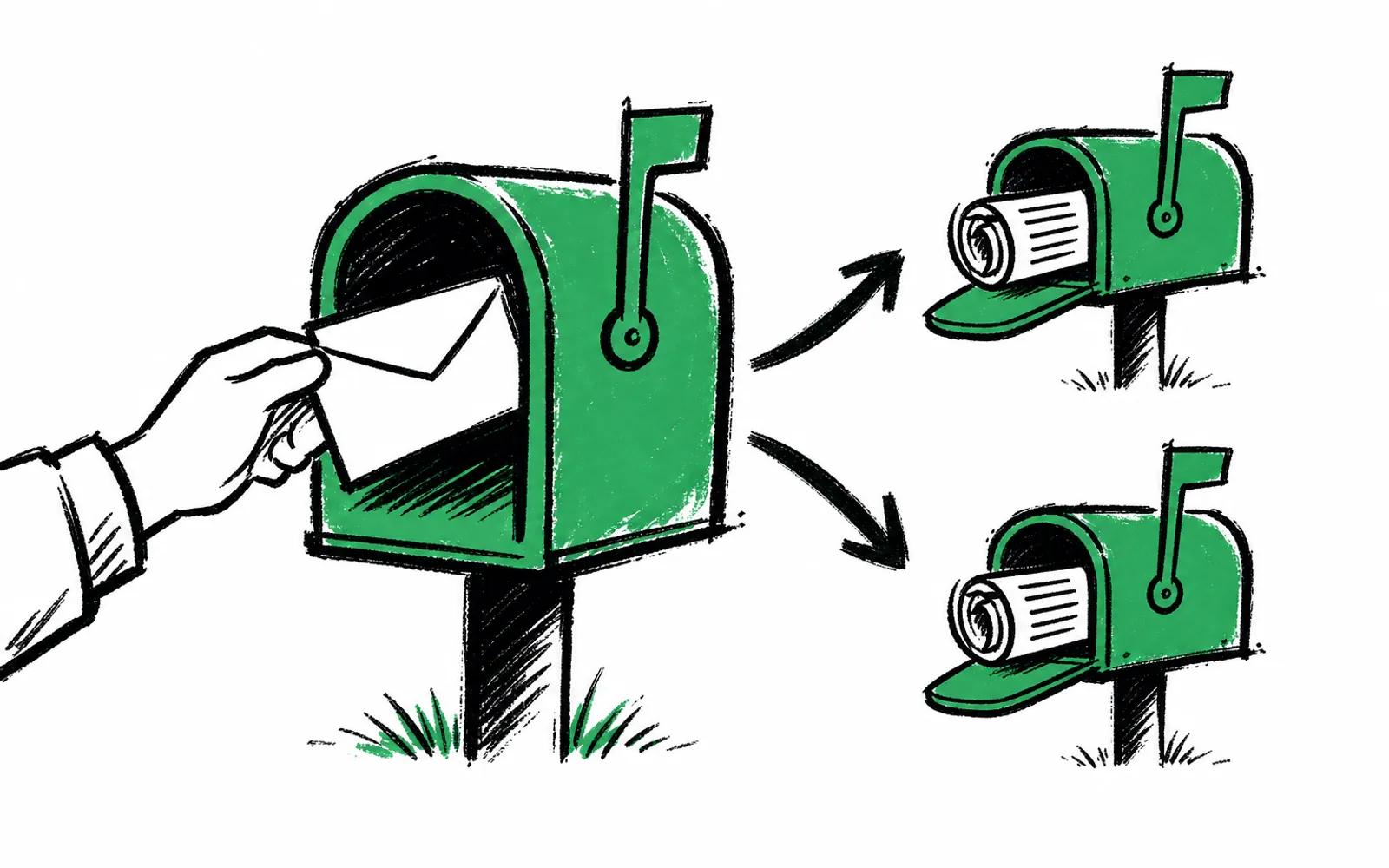
Conditional logic, meaning each answer decides what the person sees next, lets a nearby subscriber get the event invitation while a distant one skips it.
- 07Send answers into your email platform
Each answer should land on the subscriber record as a field, such as location or event interest, so you can segment lists later.
- 08Assign a staff owner for follow-ups
Name one person responsible for acting on the "maybe" and "tell me more" answers. An answer with no owner is an answer wasted.
- 09Review the whole flow as a new subscriber
Subscribe with a test address and tap through every branch. Confirm each answer ends in the action you wrote in the routing table.
Where people get stuck
The "maybe" answers pile up with no owner. Fix it before launch: put a recurring reminder on one staff member's calendar to work the maybe list before each event, and to reach out to "remind me later" givers ahead of the main campaign.
The survey grows past three questions. Someone will want to ask about volunteer interests, age, or how they found the newsletter. Cut those. Add them later only when the organization has a routing rule ready for the answer.
Answers sit in the form tool and never reach the email list. Decide the field names first, such as "location" and "event interest," then connect the survey to the email platform so every answer syncs onto the subscriber record. If the connection is manual, schedule a weekly export until it is automated.
For organizations that want the routing built in, greetform is a form and survey platform made for exactly this moment after signup. Conditional logic is built in, so each answer picks the next question and different subscribers see different follow-ups. It works alongside Beehiiv, ActiveCampaign and Mailchimp, and every answer syncs onto the subscriber as a field to segment on, with nothing to migrate. The free forever plan needs no card. A nonprofit team can also connect it to Claude or ChatGPT, which can read leads, survey answers and results and answer questions in plain English, and webhooks and an API are available for custom work.