
How to add a welcome survey after signup on Beehiiv
Three ways to get new subscribers answering questions right after they subscribe, what each one does with the answers, and how to pick one.
- Beehiiv has a built-in survey feature with an Enable as Subscribe Survey setting that shows a survey right after a reader submits their email
- Survey responses in Beehiiv are saved as custom fields on the subscriber profile, which you can segment on
- The Beehiiv help pages do not state which plans include surveys or whether a signup form can redirect to an external survey page, so confirm both with Beehiiv before committing
- A post-subscribe survey tool like greetform syncs every answer to the subscriber record in Beehiiv, with nothing to migrate
You want new subscribers to answer a few questions right after they sign up on Beehiiv, and you want those answers saved on the subscriber so you can segment and sell with them. By the end of this guide you will have picked one of three workable methods and launched your survey. Before starting you need a Beehiiv publication, a live signup form, and a short list of questions, which you can plan with our survey planning guide.
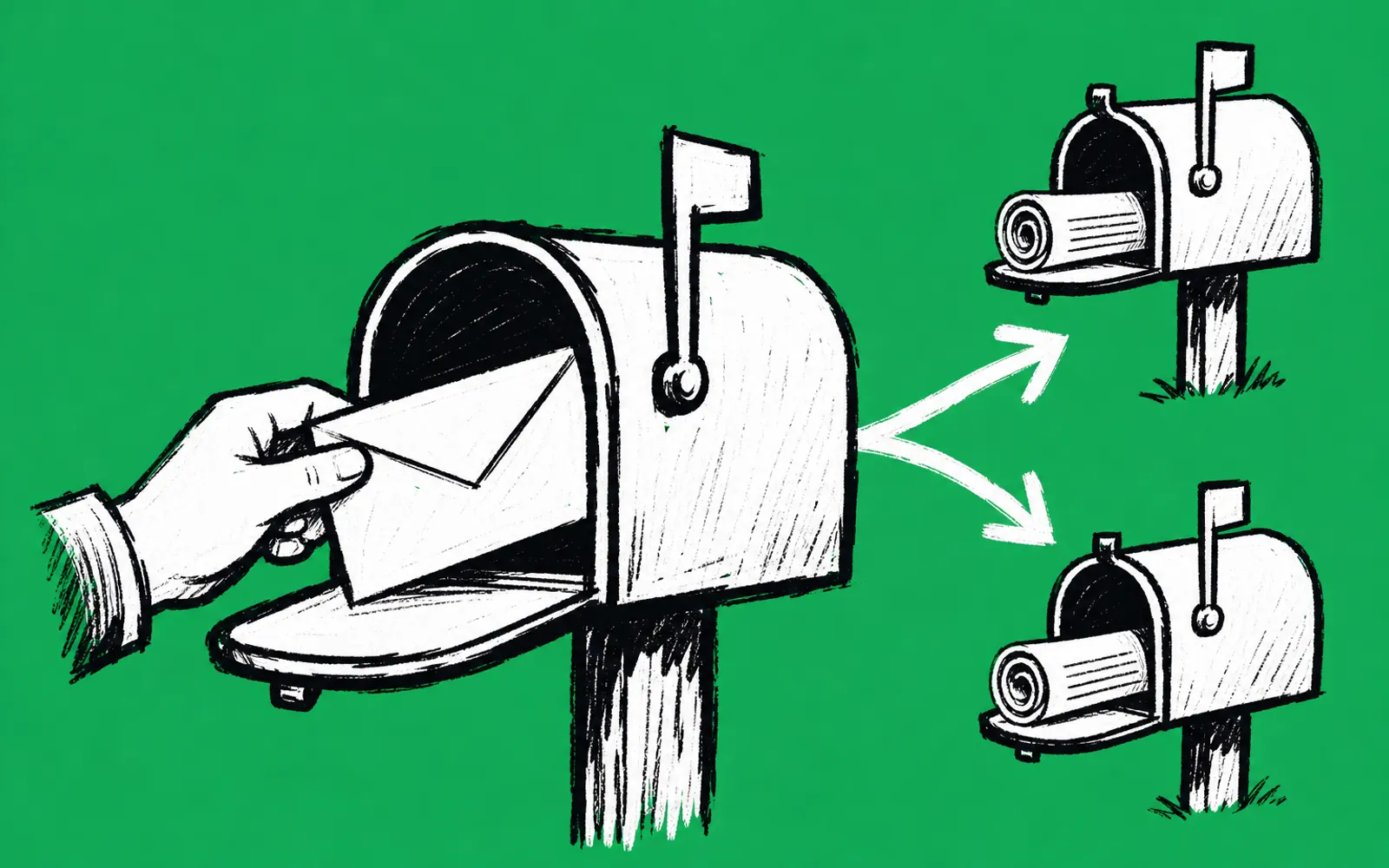
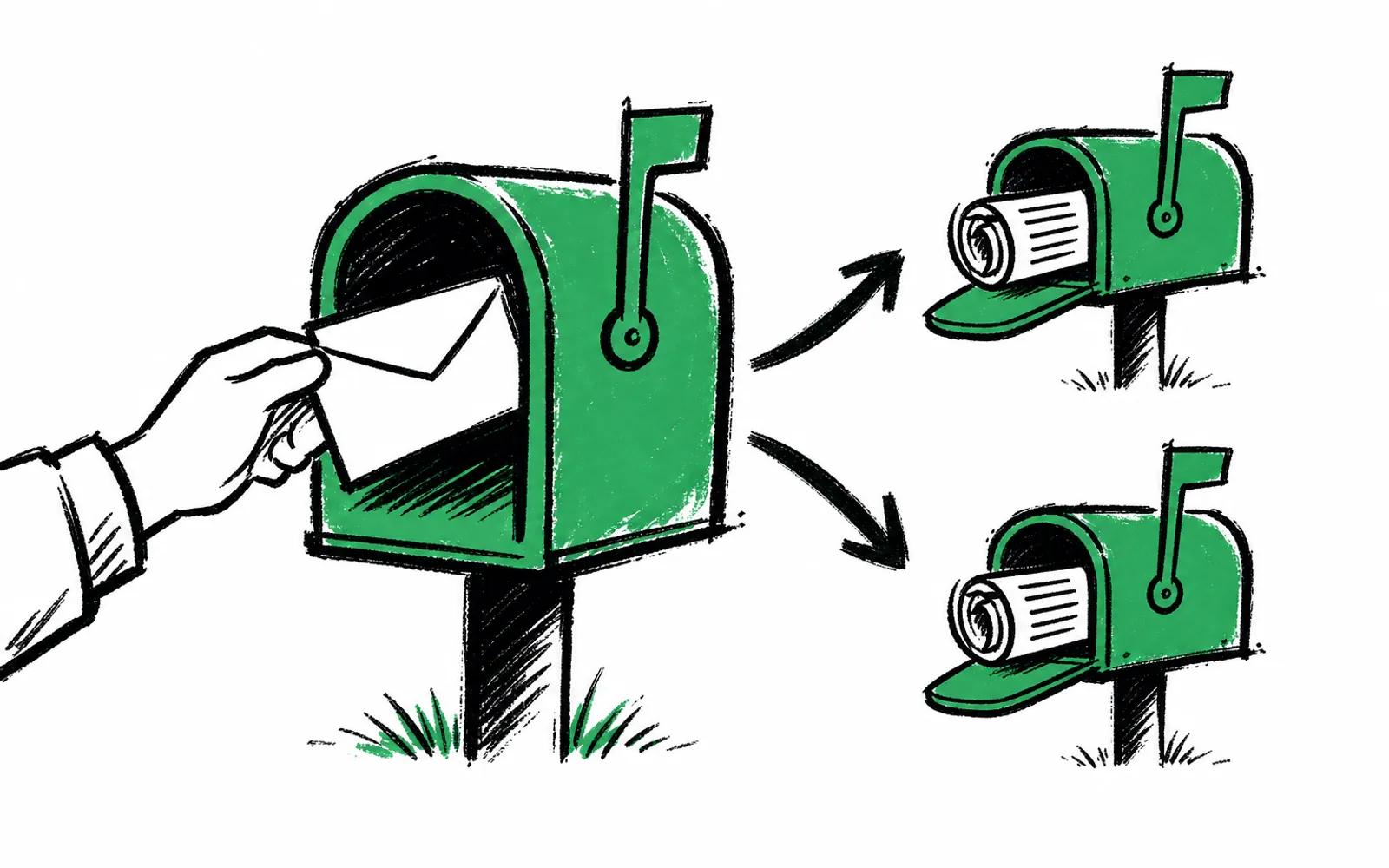
Three honest options exist. Beehiiv ships its own survey feature, which can be set to appear right after a reader submits their email. You can point readers at a general form tool on a separate page. Or you can use a tool built for the post-subscribe moment that syncs answers back into Beehiiv. The difference between them is not whether readers can answer questions. It is where the answers end up, and what you can do with them once they land there.
Option one: Beehiiv's own survey feature
Beehiiv's help center describes survey forms as separate from subscribe forms, which only collect emails. A survey can be enabled to appear once readers submit their email via a subscribe form, using the setting called Enable as Subscribe Survey. That is the exact mechanism for the moment you want: the reader finishes signing up and the survey shows next.
The help pages also state what happens to the answers. Each response is connected to a custom field attached to the subscriber's profile, and you can use custom fields to segment your audience for insights and personalization. Survey responses can be used to create automations. So the answers do land on the subscriber record, which is what segmentation and selling need. Subscribers generally need to be logged in for responses to attach to the correct profile, though a respondent's email may already be filled in if they reach the survey through your signup flow or through a survey link using custom link parameters.
Option two: a general form tool
A general form builder can host the questions and give you a link or an embed. The catch is the connection back. Whether a Beehiiv signup form can redirect a new subscriber to an external page right after subscribing is not stated in the linked Beehiiv pages, so ask Beehiiv in writing before building around it. If the redirect works, the survey tool still has to match each response to the right subscriber, usually through the email passed in the URL, and you would then need to get that data into Beehiiv yourself, since the help pages only describe manually editing a custom field per subscriber when information comes from outside Beehiiv. For a list of any size, manual editing stops being practical fast.
Option three: a tool built for the post-subscribe moment
The third option keeps Beehiiv as your email platform and replaces only the moment after signup. greetform, a form and survey platform for newsletters, creators and events, works with Beehiiv, and nothing migrates and nothing changes in your email platform. Every answer lands on the subscriber record and syncs to Beehiiv as fields you can segment on. Conditional logic is built in, so each answer picks the next question, and different readers can see different offers. Readers who own a business can ask for your media kit, which turns each one into an advertiser lead at signup. There is a free forever plan with no card needed. Forest City Insider, a local newsletter, runs one.
The exact setup steps for connecting greetform to Beehiiv are not spelled out here, so follow the prompts in the product at app.greetform.com rather than a guessed menu path. If any step is unclear, ask before committing, the same rule that applies to any vendor.
How to set up the Beehiiv survey
- 01Plan the questions first
Write down three to five questions where each answer changes something real: the next question, a segment, an offer, or a lead route. See the survey planning guide linked below.
- 02Create the survey in Beehiiv
Build a survey form in Beehiiv. Survey forms are separate from subscribe forms, so you create a new survey rather than editing your signup form.
- 03Write the questions
Add your questions to the survey. Beehiiv lets you add, edit, reorder and delete questions even after the survey is live, and changes are reflected right away.
- 04Enable it as a subscribe survey
Use the setting called Enable as Subscribe Survey. Beehiiv's help page lists this as the action that makes the survey appear once readers submit their email via a subscribe form.
- 05Publish and test
Publish the survey and run a test signup to confirm it appears right after submission. Copy the survey URL from the same actions menu if you also want to share it as a link.
- 06Segment on the answers
Each response is connected to a custom field on the subscriber profile. Use those custom fields to segment your audience, or to trigger automations.
Where people get stuck
Responses are not attaching to the right subscriber. Beehiiv's help pages say subscribers generally need to be logged in for responses to attach to the correct profile. A reader arriving through your signup flow may have their email filled in already, which is the case the Enable as Subscribe Survey setting relies on. If anonymous responses appear in your results, check that the survey is reached through the signup flow or a link with custom link parameters.
You cannot find the survey feature on your plan. Neither the Beehiiv help articles nor the public pricing pages used here state which plans include surveys, so confirm with Beehiiv in writing before you commit to this method. The same goes for whether your signup form can redirect to an external page, if you are weighing the general form tool route. Ask the specific question and keep the answer.
The survey feels too long. The post-subscribe playbook is blunt on this: ask one to three questions that change what you do next, and do not overload the signup form itself. A deleted question with existing responses keeps its response data in Beehiiv, but disappears from the live survey and from results going forward, so trim early rather than hoarding questions.