
Why people abandon sign-up forms: six common causes and how to fix them
Six places readers stop, how to check each one, and how to test a fix without fooling yourself.


- Completion share, finishers divided by starters, is the number that makes comparisons meaningful
- Visitors who leave before the form loads may never count as starters at all
- Fix phone layout and slow loading right away; test other changes one at a time
- A close split-test result is inconclusive, not proof the fix failed
You sent the email, ran the promotion, and watched the numbers come in. Plenty of people started the form. Far fewer finished it. The gap between those two counts is where your growth went, and closing it starts with finding out where readers stopped.
No public ranking proves which abandonment causes are most common across all forms, so treat the six below as a checklist rather than a league table. Check each one against your own form and your own numbers. The one that applies to you is the one your data shows, not the one listed first.
A note on measurement before the list. The fixes below assume you know two numbers: how many people started the form and how many finished it. Dividing finishers by starters gives you a completion share, which is the number that makes comparisons meaningful. Raw completion counts alone can mislead, because traffic changes week to week for reasons that have nothing to do with your form. If your tool only shows raw responses today, that is still a start, but plan on getting starts and finishes before you judge any fix.
1. The form is too long
A long form gives a reader more chances to close the tab, and every extra question adds work. How much any one question costs is harder to say, because it depends on what you ask, why the reader thinks you are asking, and how much they want what comes next. Some questions lose almost nobody.
The fix is subtraction, applied with judgment. Read each question and ask which campaign or newsletter decision actually uses the answer. If you cannot name the decision, the question is a candidate for removal. Questions about personal circumstances carry extra risk, because a reader who cannot see why you want to know may stop rather than guess. If you must ask something personal, show the reason right next to the question.
2. Surprise questions
A question that arrives without warning or an apparent purpose reads as invasive. The reader was expecting a quick signup and suddenly you want details about their life or their spending. Surprise is what can trigger the closed tab.
The fix is expectation setting. Tell people up front how many questions are coming, and give a reason for anything sensitive. A line like three quick questions so we can send you local deals does more for completion than any redesign. The reason does the work, because the reason is what the reader was missing.
3. Trouble on phones
Some share of your traffic arrives on a phone, and your analytics will tell you how large that share is. If that share is meaningful for you, a form with tiny tap targets, sideways scrolling, or fields the keyboard fights is a plausible place to lose readers who were willing to answer.
The fix is to complete your own form on a phone before you publish it. Fill in every field, tap every button, and submit. If any step frustrates you, treat that as a signal worth fixing. Enlarge the tap targets, fix the layout, and cut any question that requires typing when a tap would do. Then check whether completion among phone visitors actually improves.
4. No clear value for answering
Readers may not be confused about the form. They may be confused about the payoff. If the answers serve only you, people sense it and leave. The question of what is in it for them is silent, but it is always there.
The fix is to state the value in plain words near the top. Say what the answers change for the reader: better recommendations, offers that match their situation, a newsletter that fits their town. Then make sure the promise is true, because a stated promise you do not keep invites unsubscribes you can watch for in your own numbers.
5. Forced account creation
Asking someone to invent a password before they have received anything is a fast way to lose them. Account creation is a commitment, and commitments happen after value, not before.
The fix is to delay it. Take the email address, deliver the thing, and create the account silently or ask later. If your platform requires a password at signup, treat that requirement as a cost and put your strongest value message right before the password field.
6. Slow load
A form that takes seconds to appear can lose people before they see a single question. The reader clicked a link in an email or a post, and the wait reads as broken. Slow loading does not even give you a question to blame, because the abandonment happens before the first field.
This cause is also the hardest to see in your own numbers, because a visitor who leaves before the form loads may never count as a starter. Your completion share can look healthy while a chunk of traffic never reaches the first question at all. So measure load separately from completion. Open the form on your phone on a normal connection and count the seconds until it is usable, and check your analytics for the gap between people who landed on the page and people whose first answer was recorded. If the form is slow, cut heavy embeds, reduce scripts, and host the form somewhere built for speed. When the form loads fast, the remaining five causes become visible and fixable.
How to test a fix without fooling yourself
A before-and-after comparison has a known weakness: traffic on Monday and traffic three weeks later are not the same people, and anything from a holiday to a viral post can move your numbers. A drop or a rise after a change tells you something happened, but it does not prove the change caused it. If your tool can split traffic, send half your visitors to the old form and half to the new one at the same time. That comparison holds the outside factors steady.
- 01Pick one change
Choose a single fix, such as removing one question or restating the value at the top.
- 02Split the traffic
Send half your visitors to the original form and half to the changed form at the same time.
- 03Set a stopping rule before you start
Decide in advance how long the test runs and what result counts as a win, so you cannot bend the ending to suit the outcome.
- 04Track starts and finishes on both
Record how many people begin and how many complete each version.
- 05Compare completion shares
Divide finishers by starters for each version. Do not compare raw completion counts.
- 06Wait for enough volume
Let both versions run until each has enough responses that a few stray clicks cannot flip the result.
- 07Act on the result
If the new version clearly wins, keep the change. If the result is close, the test is inconclusive: the fix may not matter, or you may not have enough volume to tell. Extend the run or move on, but do not treat a close result as proof the fix was useless.
Deciding how long to run and how big a gap counts as a win before you start is called a stopping rule, and it exists because a result that keeps shifting as more responses arrive is not yet a result. Small samples wobble. Two versions can sit five points apart on Monday and one point apart by Friday without anything changing but the count of responses. If you can, plan the test around a number of responses rather than a number of days, and treat any gap inside that wobble as uncertainty rather than a finding.
If a split test is not possible with your current tool, a before-and-after comparison still gives you a signal, just a weaker one. Note what else changed in the window, such as the send day, the source of traffic, or the offer, and hold those steady where you can. Treat the result as a hypothesis to confirm, not a verdict.
When the form is part of the signup moment
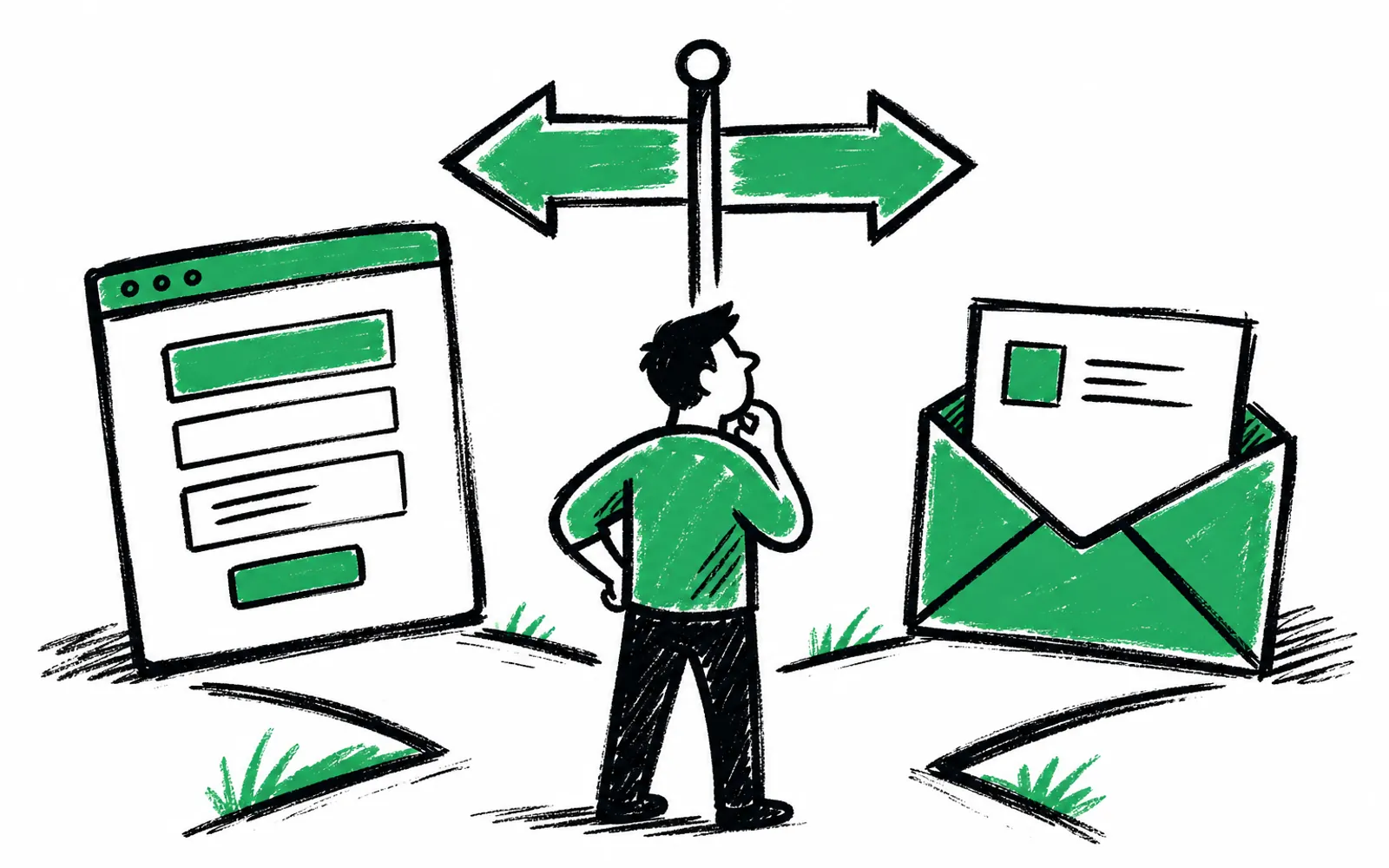
If you rebuild after diagnosing, the tool matters less than the numbers you will be able to see afterward. The form and survey platform greetform, built for the moment right after someone subscribes, shows each answer on the subscriber record and syncs those answers as fields to segment on in Beehiiv, ActiveCampaign or Mailchimp, so the completion data and the reader data stay connected. It has conditional logic built in, which means each answer can pick the next question and readers see different questions depending on what they said. There is a free forever plan with no card needed, so you can test a rebuilt form against your current one before paying anything.