
Tags or custom fields: where your signup answers should live in your email platform
A one-pass method for sorting every answer your signup form collects into the right home in Beehiiv, ActiveCampaign or Mailchimp.
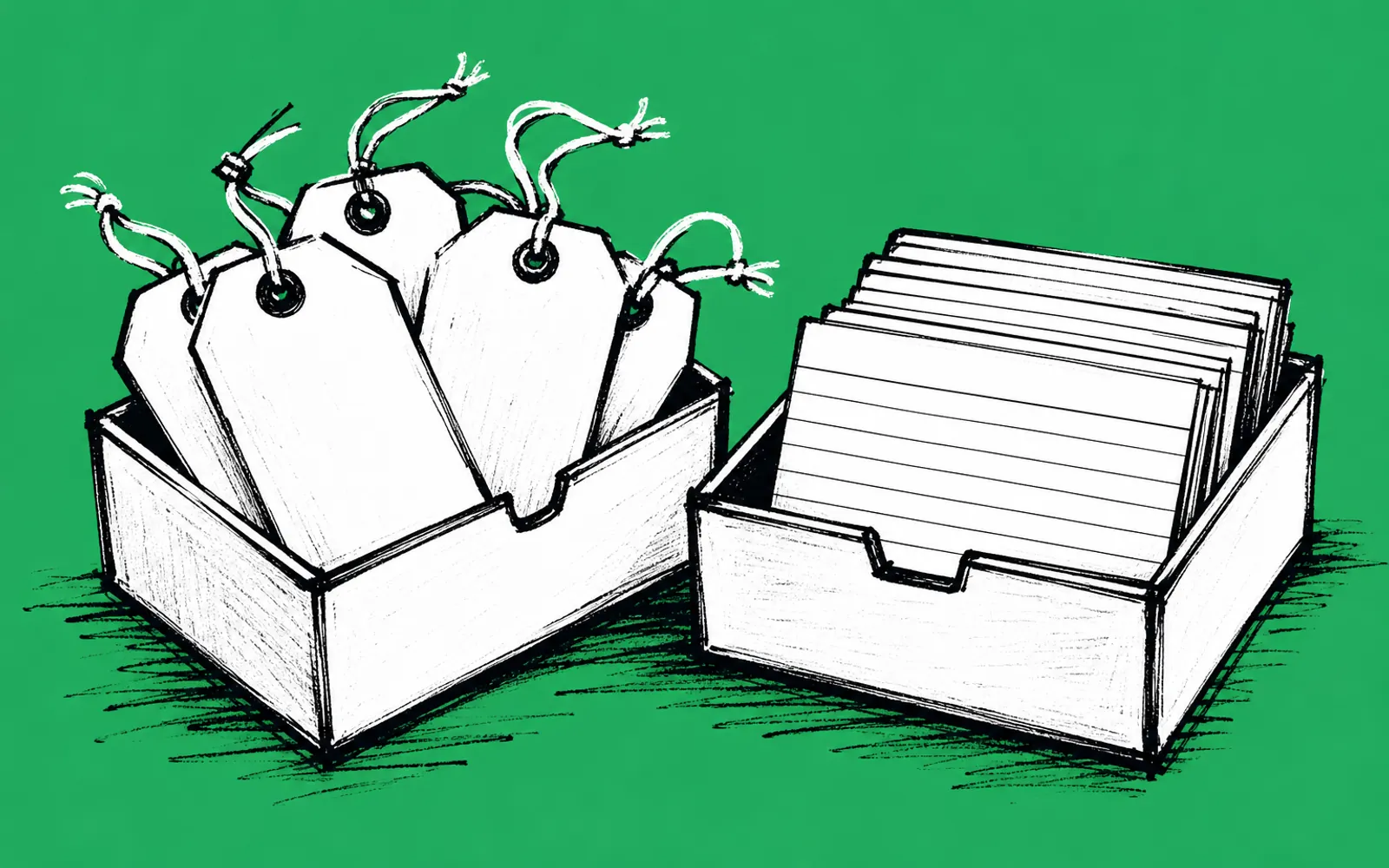
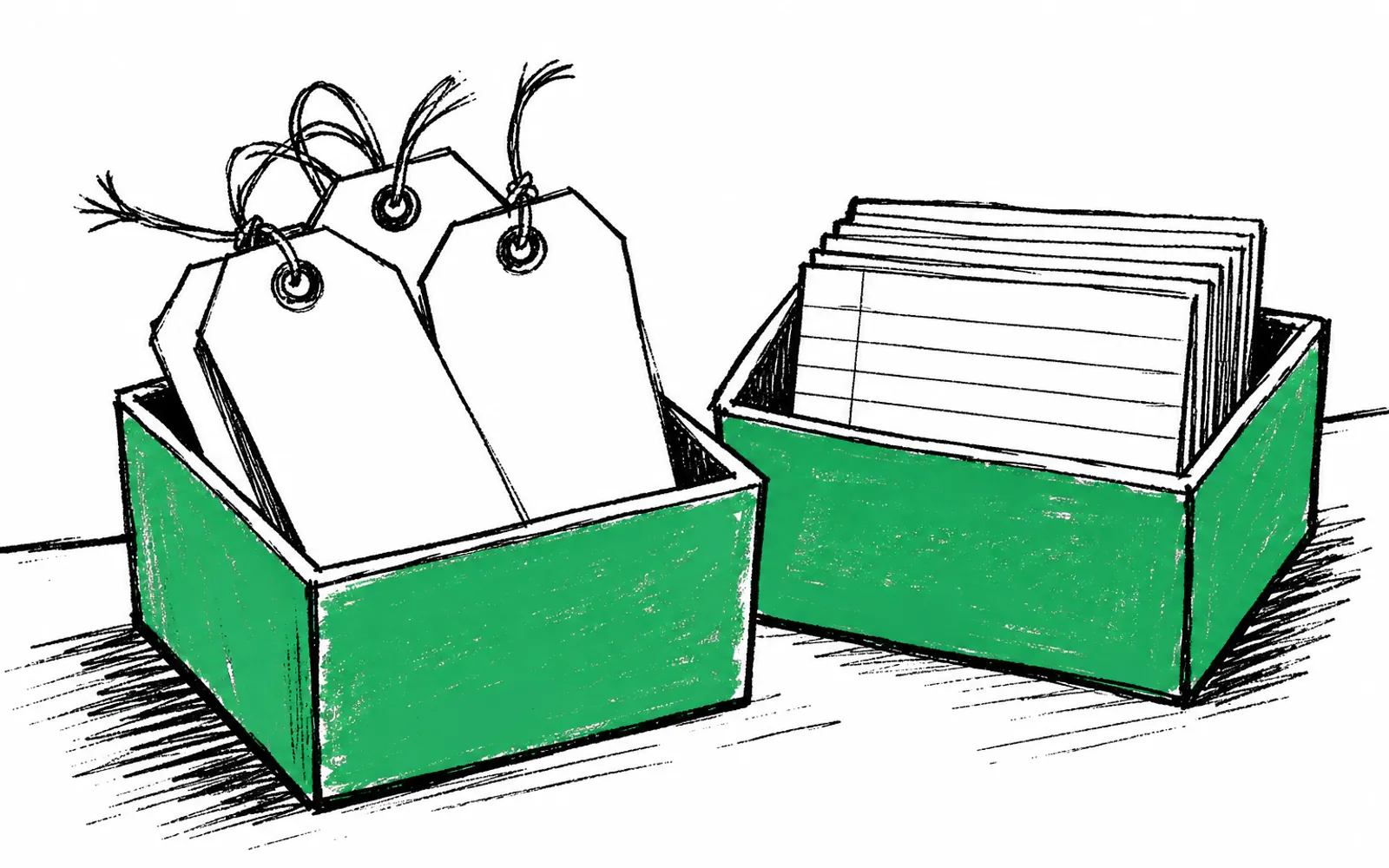
- Facts about one person, like a ZIP code or a business type, belong in custom fields
- Tags are for grouping people into audiences you actually send to
- Check your platform's own limits before building the full plan
- Renaming fields later is costly, so name them right the first time
By the end of this guide you will have a sorted plan for every answer your signup form collects, with each one assigned to either a tag or a custom field, and the plan checked against your platform's limits. Before you start, pull up your list of signup questions and log in to your email platform. The whole pass takes one sitting.
The one question that sorts every answer
Beehiiv's help pages draw the line cleanly. Tags are for internal organization, categorizing subscribers by things like acquisition source or subscriber type. Custom fields are data points you collect from each subscriber, such as name, preferences, interests, or any other information they choose to share, and they can be used to segment, target, and personalize.
Put simply, a tag answers one question: which of my audiences is this person in? A custom field answers a different one: what is true about this person? A ZIP code is true about one reader, so it belongs in a field. "Gets the weekly deals edition" describes an audience you send to, so it belongs in a tag.
A multiple choice answer can go either way, and this is where messy tag lists come from. "Do you own a home?" is a fact about the reader, so it belongs in a field. But if every homeowner gets a specific send or offer, use both: the field records the fact, and a tag marks the audience. One answer, two homes, each doing its own job.
Run each of your questions through these examples before you touch the platform.
- ZIP code: custom field A fact with one value per person, and the first thing a local business asks for.
- Business type: custom field Same rule, one value per person.
- Open text answer: custom field A typed answer is a fact even when it rambles.
- Acquisition source: tag Beehiiv lists this as a classic tag use.
- Subscriber type: tag An audience you send to, such as gets the deals edition.
- An interest: field or tag A field if you personalize with it, a tag per interest if each one is a list you email separately.
Sort every answer in one pass
- 01List every signup question
Write down each question and its answer options, including any open text boxes, so nothing gets sorted later by memory.
- 02Sort each answer into fact or bucket
A fact about one person becomes a custom field; an audience you email separately becomes a tag. Use the examples above.
- 03Split the dual cases
Where a multiple choice answer both records a fact and defines a send, assign it a field for the record and a tag for the audience.
- 04Name your fields
Keep field names lowercase, short, and free of ambiguity, because long or vague names are hard to match exactly later.
- 05Name your tags
Use a capital-letter category prefix followed by lowercase detail, the pattern naming guides recommend for tags across email tools.
- 06Check your platform's limits
No article gives shared numbers for tags or fields, so open your own platform's documentation and count your planned fields and tags against any caps before you build.
- 07Write the plan down
Keep one list with the question, the answer, its home, and the exact field or tag name, and use it for every future signup question.
Where people get stuck
Open text answers
A typed answer is still a fact, so it belongs in a custom field. Beehiiv's form builder, for example, has a Short response field type that lets subscribers type freely, and the answer saves to their profile under Custom Fields. The catch is that free text groups people poorly. If you need to segment on an answer or hand it to an advertiser, ask it as a multiple choice or dropdown question, and keep the open text box for the nuance behind the choice.
You run into a limit
Some platforms cap tags, custom fields, or both, and the caps differ by tool, so check the documentation for the platform you actually use rather than a comparison article. If you hit a cap, keep fields for the facts you will segment or personalize on, keep tags for the audiences you actually send to, and cut the answers you never act on. A field nobody reads is still a field somebody has to maintain.
You need to rename something later
Renaming a field after answers have landed is a real job, because campaigns, automations, and integrations match the exact characters of a field's name, and any mismatch breaks the lookup. In Beehiiv, merge tags are case-sensitive: {{First Name}} and {{first name}} are treated as different fields. This is the reason the naming step comes before the building step. Get the names right on paper first, while changing them costs nothing.
Once the plan is written, the signup moment is where it pays off. greetform runs a short survey right after someone subscribes, and every answer lands on the subscriber record and syncs to Beehiiv, ActiveCampaign or Mailchimp as fields to segment on. Nothing about the email platform moves, there is nothing to migrate, and the free forever plan needs no card.